Home
How to Master WorldBox God Simulator and Build a Thriving Civilization
WorldBox – God Simulator stands out as a top-tier minimalist god simulator that grants players total control over a pixelated universe. Developed by Maxim Karpenko and built on the Unity engine, the game has evolved significantly from its 2012 Flash prototype roots into a deep, multi-platform experience. Unlike traditional strategy games that impose rigid goals, WorldBox focuses on a "Create vs. Destroy" loop, where the player acts as an observer and occasional meddler in the rise and fall of empires.
As of late 2026, the game continues to receive substantial updates that add layers of complexity to its simulation. Whether you are managing the intricate genetics of a hero or navigating the catastrophic shifts of the "Ages" mechanic, success requires a blend of foresight and experimentation. This guide explores the nuances of high-level play, from technical map-sharing hacks to the "Founder Legacy" workflow that allows you to cultivate immortal lineages.
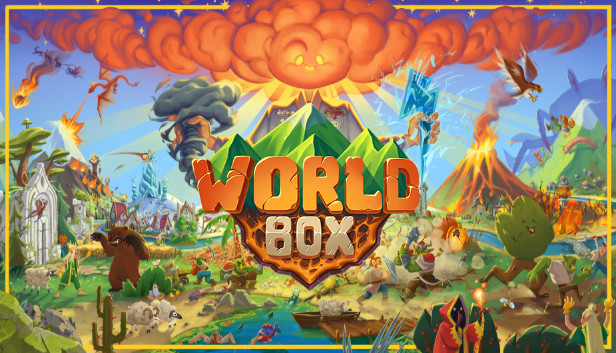
Image source: Steam
Where Can You Play WorldBox in 2026?
WorldBox is widely available across multiple platforms, each offering a slightly different experience tailored to the hardware. The Steam version remains in Early Access, providing the most robust feature set, including full mod support via the Steam Workshop. For those on the go, the mobile versions on iOS and Android offer a free-to-play model with optional premium unlocks.
| Platform | Model | Key Advantage | Mod Support |
|---|---|---|---|
| Steam (PC) | Premium / Early Access | Large maps & performance | Full (Workshop) |
| iOS / Android | Free-to-play / IAP | Portability & Offline play | Limited / Manual |
| now.gg (Browser) | Cloud-based | No installation required | None |
According to Wikipedia , the game's release timeline saw it move from Flash to mobile in 2018/2019, eventually landing on Steam in late 2021. While the PC version is often preferred for large-scale simulations, the mobile versions are highly regarded for their offline capabilities, allowing you to manage your world without an active internet connection. For quick sessions, now.gg provides a way to play WorldBox unblocked in a browser, which is a popular choice for users on restricted networks.
How to Manage the Four Main Races for Maximum Expansion
The core of WorldBox’s civilization simulation lies in its four sapient races: Humans, Dwarves, Elves, and Orcs. Each race possesses unique traits and biome preferences that dictate how quickly they expand and how they interact with their environment. Understanding these synergies is essential for building a stable, long-lasting world.
Humans
Humans are the most versatile race. They thrive in open plains and require soil for rapid agricultural growth. While they lack the specialized bonuses of other races, their adaptability allows them to settle almost anywhere.
Dwarves
Dwarves are the masters of industry. They have a high affinity for hills and mountains, where they can mine Mythril and Silver more efficiently. They are slower to expand but build exceptionally strong defenses.
Elves
Elves possess a natural forest affinity. They can gather wood early in the game without destroying the environment and are generally peaceful toward nature, though they can be fierce in territorial disputes.
Orcs
Orcs are the most aggressive expansionists. They require significant resources to maintain their war-like culture and will often clash with any neighboring civilization regardless of diplomatic standing.
To optimize your world, you should place races in biomes that complement their natural strengths. For instance, placing Dwarves near mountain ranges ensures they reach the "Iron Age" faster, while Humans should be given vast stretches of grassland to maximize their population density. Many players find that balancing these races on a single continent leads to dynamic geopolitical shifts, as each race competes for the resources they need most.
How the Ages Mechanic Changes Your World Dynamics
The 0.21 "MegaBox" update introduced the Ages mechanic, a system that cycles the world through different environmental and social phases. These ages act as global modifiers, affecting everything from creature behavior to the frequency of natural disasters. Navigating these cycles is a key part of high-level management.
- Age of Hope: A period of peace and rapid growth. Civilizations are less likely to go to war, and fertility rates are high.
- Age of Despair: The world grows cold. Ice biomes expand, and creatures become more aggressive. This age often tests the resilience of your civilizations.
- Age of Sun: Extreme heat can lead to wildfires and the drying up of small water bodies. It is a dangerous time for forest-dwelling Elves.
- Age of Chaos: Natural disasters like meteorites and earthquakes become more frequent, and diplomatic relations crumble.
Strategic players use these ages to their advantage. For example, if a civilization has become too dominant, triggering an Age of Despair can naturally thin their numbers without direct intervention. Conversely, if you want to see a new kingdom flourish, maintaining an Age of Hope provides the necessary stability for them to establish their infrastructure.
Advanced Strategies for Power Users and God-Tier Players
Once you understand the basics, you can begin implementing advanced techniques that manipulate the game's underlying systems. These strategies often involve bypassing intended limitations or using the UI in ways that provide a competitive edge in simulation management.
The Land Bridge Strategy to Force Early Expansion
One of the most effective tactics for early-game expansion is the "Land Bridge" strategy. In the early stages of a world, civilizations are limited by their inability to build docks and ships. This can lead to stagnation if a race is trapped on a small island. By using the "Sand" or "Soil" tool to create a temporary thin strip of land between islands, you can force a civilization to expand to new territory. Once they have established a second village, you can remove the bridge, leaving them with two separate hubs that will eventually be connected by sea once they develop the necessary technology.
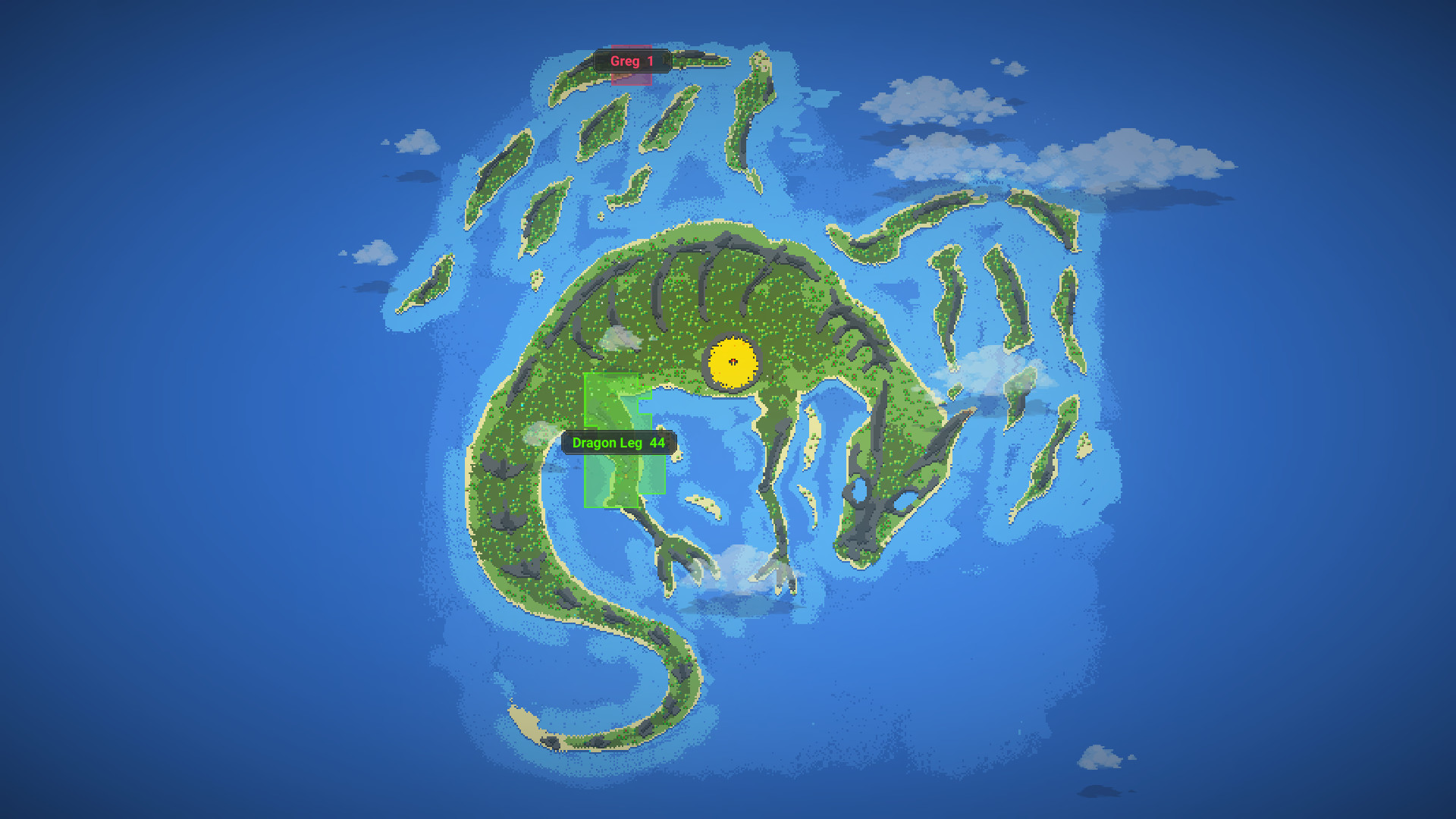
Image source: Steam
Mastering the Meta-Object Tracking System
The "Army Update" and subsequent patches introduced a sophisticated tracking UI. You can now toggle between different "Meta-Views" to see the underlying structures of your world. This includes:
- Kingdom Meta
- Shows political boundaries and diplomatic relations (Alliances vs. Wars).
- Culture Meta
- Displays the spread of specific technologies and traditions across the map.
- Clan Meta
- Tracks the lineage of ruling families, allowing you to see who truly holds power.
How to Create a God-King Using the Founder Legacy Workflow
Creating a persistent hero or "God-King" is a popular goal for many players. The Founder Legacy workflow involves identifying a "City Founder" early in the game and granting them specific traits to ensure their survival across centuries.
- Identify the Target: Use the tracking UI to find a unit with high base stats or a "Clan Chief" title.
- Grant Immortality: Use the "Lightning Strike" method (striking near the unit until they gain the trait) or the Trait Editor to make them immortal.
- Enhance Resilience: Add traits like "Regeneration," "Strong," and "Tough" to ensure they don't fall in battle.
- Monitor the Glow: The game now makes the names of edited or significant units "glow," making them easier to track as they lead their people through the ages.
Technical Hacks for Map Sharing and Save Recovery
For mobile users, managing save files can be challenging due to the closed nature of iOS and Android file systems. However, there are technical workarounds that allow you to share maps and backup your progress.
How to Share Maps on iOS and iPadOS
According to community documentation, you can access your WorldBox saves on Apple devices using the local "Files" app. This is essential for downloading custom maps from the Discord community or moving your world to a new device.
- Open the Files app on your iPhone or iPad.
- Navigate to On My iPhone/iPad > WorldBox > saves .
-
Your save files are stored as
.wboxfiles. You can copy these to a cloud service (like iCloud or Google Drive) or paste new maps into this folder. - Restart the game, and the new map will appear in your save slots.
Common Pitfalls and How to Avoid Accidental Extinction
Even a well-managed world can fall victim to unexpected threats. Some of these are intended mechanics, while others are quirks of the simulation that can catch players off guard.
One of the most notorious issues is the "Bear Problem." In the early game, a single bear spawning in a small village can legitimately wipe out the entire population before they develop weapons. To guard against this, players should monitor their biomes and ensure that predatory animals aren't over-spawning near fledgling settlements. Similarly, the "Zombie Mutation" can quickly spiral out of control. If a single unit becomes infected, the plague can spread across an entire continent in minutes. Using the "Divine Light" power is the only way to cure an outbreak before it becomes a global extinction event.
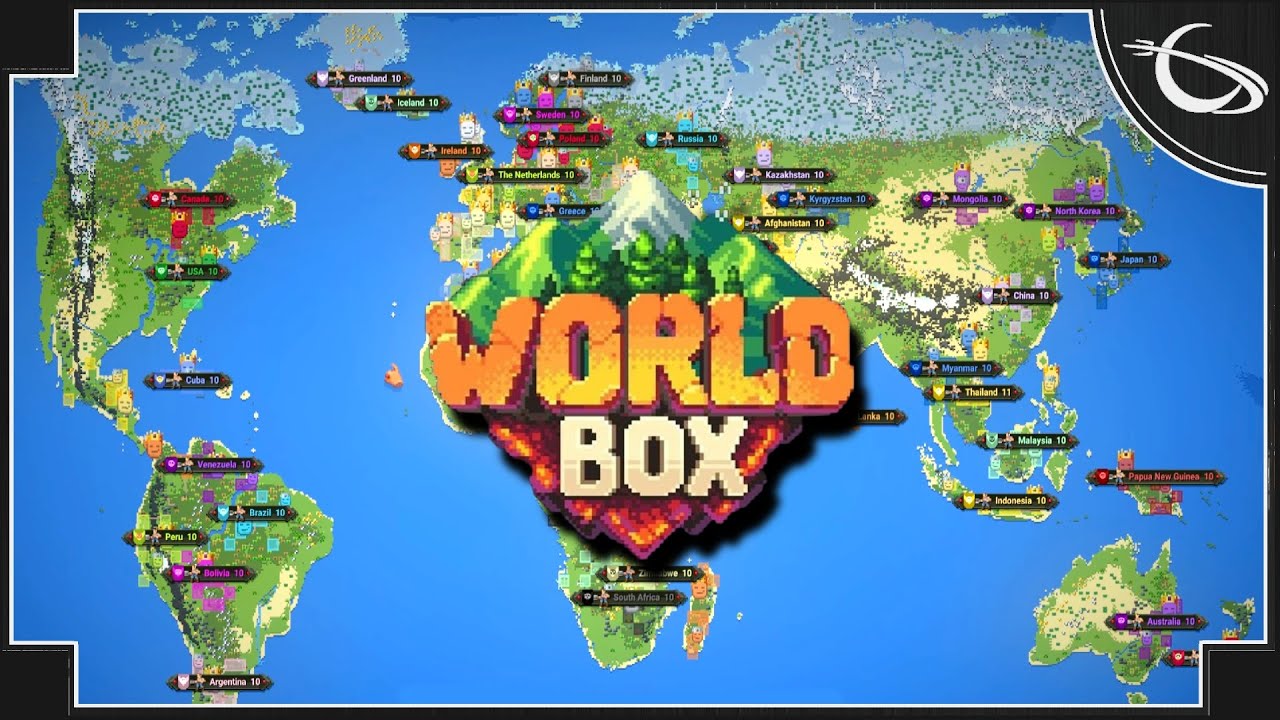
Image source: YouTube
Frequently Asked Questions
Is WorldBox worth the money on Steam vs. Mobile?
The choice depends on your playstyle. The Steam version is a premium purchase that includes all powers and supports extensive modding, making it a top choice for power users who want the deepest simulation possible. The mobile version is free-to-play, which is excellent for casual play, but unlocking all powers requires a one-time premium purchase. If you enjoy large maps and community-created content, the Steam version offers significantly more value.
How do you unlock all powers for free?
In the mobile version, you can unlock temporary access to premium powers by watching advertisements. However, to permanently unlock the full suite of god powers, a premium upgrade is required. On the Steam version, all powers are included with the initial purchase. There is no legitimate way to permanently unlock all powers for free on mobile without the in-app purchase, as this supports the ongoing development of the game.
Can you play WorldBox offline?
Yes, WorldBox is fully playable offline on both PC and mobile platforms. This makes it an exceptional choice for travel or areas with poor connectivity. While you won't be able to access the Steam Workshop or download new maps from the community while offline, the core simulation and all your saved worlds remain fully accessible without an internet connection.
How do I install mods in WorldBox?
For Steam users, the easiest way is through the Steam Workshop. Simply "Subscribe" to a mod, and it will automatically install. For manual installations or mobile users, you must place mod files into the game's "Mods" folder (located in the local files). Note that modding on mobile is much more complex and often requires a rooted device or specific file managers to access the game's internal directory.
What is the "Thanos" snap power?
The "Infinity Coin" (often called the Thanos snap) is a power that instantly removes 50% of the living population across the entire world. It is used as a balancing tool when the population becomes too high for the simulation to handle smoothly. It does not target specific races or kingdoms; it is a purely mathematical reduction to maintain game performance and stability.
Why did my civilization stop building ships?
This is usually due to a resource shortage or the destruction of their docks. Civilizations require wood and stone to build and maintain ships. If they are in a biome with no trees or if their dock was destroyed during a war, they will stop naval production. Check their resource inventory in the Kingdom UI to see if they are missing the necessary materials to rebuild their fleet.
How do I make a unit immortal?
There are two primary ways. The first is using the Trait Editor (available in the premium/Steam version) to manually add the "Immortal" trait. The second is the "Lightning Method": strike a unit with lightning multiple times. This has a chance to grant the Immortal and Energized traits. Be sure to heal the unit with "Blood Rain" between strikes so they don't die from the damage.
Key Takeaways for WorldBox Mastery
- Balance biomes to match race-specific preferences, such as placing Dwarves in mountains and Humans in plains.
- Leverage the Ages mechanic to cycle through different world phases, using the Age of Hope for growth and the Age of Despair for population control.
- Use Land Bridges to force early-game expansion between islands before civilizations develop naval technology.
- Track lineages using the Clan and Culture meta-toggles to create a living history with persistent "God-King" heroes.
-
Manage technical saves
on iOS by using the local Files app to backup and share your
.wboxmap files. - Guard against predators like bears in the early game, as they can easily wipe out small, undefended settlements.
- Utilize now.gg for quick, unblocked browser sessions when you don't have access to your primary gaming device.
Start your next world by experimenting with a single immortal founder and watch how their legacy shapes the continents over thousands of years.
All trademarks, copyrighted content, and quoted material referenced in this article belong to their respective owners. Brief excerpts are used under fair use (17 U.S.C. § 107) for purposes of commentary, criticism, and informational reporting. This article is not affiliated with or endorsed by Maxim Karpenko or the WorldBox development team.