Home
Can You Play Stardew Valley Cross-Platform Between PS5 and PC?
Understanding the Current Multiplayer Status for PlayStation and PC Users
For many aspiring farmers, the dream of tending crops with friends across different hardware remains just that—a dream. As of September 2024, and continuing into the current 2026 landscape, Stardew Valley does not offer official crossplay between PS5 and PC . This means if you are playing on a high-end gaming rig and your friend is on a PlayStation 5, you cannot invite them to your Pelican Town farm through standard in-game menus.
The multiplayer architecture of Stardew Valley was originally designed for the PC version, which launched its cooperative mode in the 1.3 update. While the game has expanded to nearly every modern device, the underlying networking protocols differ significantly between Sony's PlayStation Network (PSN) and the various PC storefronts like Steam and GOG. According to the Official Stardew Valley Wiki , each console platform acts as its own isolated island, preventing the "bridge" necessary for cross-platform interaction.
This ecosystem split is not unique to PlayStation. Xbox and Nintendo Switch players face similar restrictions. While the game is widely regarded as one of the top indie titles for cooperative play, the technical hurdles of synchronizing different platform infrastructures have kept cross-platform functionality out of reach for the solo developer, Eric "ConcernedApe" Barone, and the porting teams involved.
Exploring Official Cross-Platform Compatibility Across All Systems
While the PS5-to-PC link is unavailable, Stardew Valley does support specific types of cross-platform and cross-generational play. Understanding these nuances can help you find a way to play with your friends, even if it requires switching devices. The PC ecosystem is the most flexible, allowing players on Windows, macOS, and Linux to farm together regardless of whether they purchased the game on Steam, GOG, or the Microsoft Store.
Within the console families, "cross-gen" play is fully supported. A player on a PlayStation 4 can seamlessly join a farm hosted by a player on a PlayStation 5. The same applies to the Xbox family, where Xbox One and Xbox Series X/S players can interact without issue. However, the moment you try to cross the boundary between a Sony console and a Microsoft console, or a console and a PC, the connection fails.
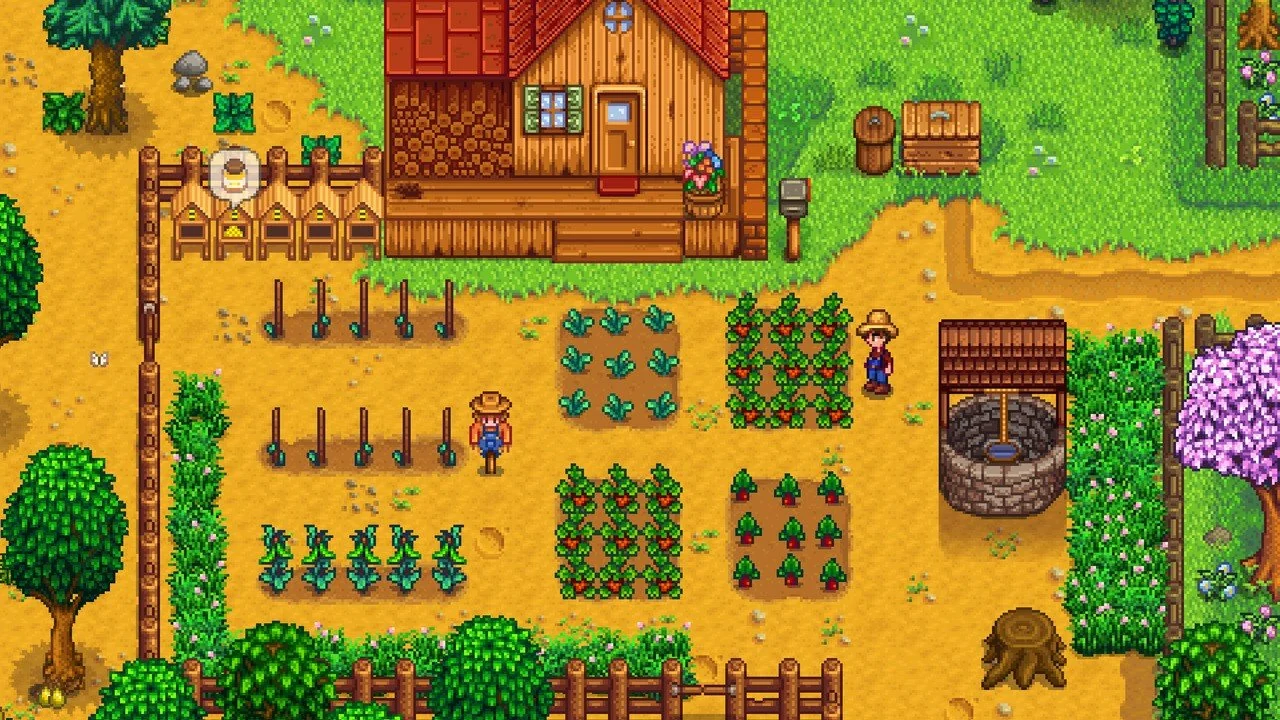
Image source: ExitLag
Multiplayer Compatibility Matrix
| Platform A | Platform B | Compatible? |
|---|---|---|
| PC (Steam) | PC (GOG / Game Pass) | Yes |
| PS5 | PS4 | Yes |
| Xbox Series X/S | Xbox One | Yes |
| PS5 | PC | No |
| Nintendo Switch | PS5 / Xbox / PC | No |
| Mobile (Android/iOS) | PC | Experimental Only |
The Technical Challenges Preventing Cross-Platform Play
Many fans wonder why a game that appears graphically simple cannot handle cross-platform play. The answer lies in the game's history and technical debt. Stardew Valley was built using the XNA framework (later transitioning to MonoGame), which was a significant advancement for its time but was not inherently designed for cross-platform networking. Each console port is handled by external teams who must adapt the PC code to work with the specific requirements of Sony, Microsoft, and Nintendo.
Another major hurdle is Update Synchronization . PC players typically receive new content, such as the massive 1.6 or 1.7 updates, weeks or even months before they arrive on consoles. For multiplayer to work, both players must be on the exact same version of the game. If the PC version is running 1.6.8 and the PS5 is still on 1.5.6, the data structures for items, farm layouts, and NPC behavior would not align, leading to game-breaking crashes.
"Adding crossplay is a massive technical undertaking. It requires a central server infrastructure that can communicate across all platforms, which Stardew Valley currently lacks as it relies on platform-specific invite systems."
Furthermore, the player cap varies between platforms. While the 1.6 update expanded PC and Switch 2 support to 8 players, the PS5 (which runs the PS4-based architecture) is often limited to 4 players in a single session. This discrepancy in hardware capabilities makes a unified cross-platform experience difficult to balance.
Unlocking the Experimental Mobile to PC Connection Feature
In a surprising turn for the community, the 1.6 update introduced a hidden experimental feature that allows for a limited form of cross-platform play between mobile devices and PC. While not officially marketed, this "secret" mode allows Android or iOS players to join a PC-hosted farm if they are on the same local network or using a VPN.
The Leaf Sequence Guide
To access this hidden menu, you must perform a specific action on the title screen of the mobile version. Many users find this to be a top-tier secret for playing with family members who only have tablets.
- Open Stardew Valley on your mobile device.
- On the main title screen, locate the four leaves in the corners of the logo.
- Tap the leaves in a specific sequence (Top-Left, Top-Right, Bottom-Right, Bottom-Left).
- A hidden "Co-op" button will appear in the main menu.
- Select "Join via IP" and enter the local IP address of the PC host.
Using Remote Play as a Practical Alternative to Crossplay
If you are determined to play with someone on a different platform, you can use "Remote Play" to simulate a shared experience. This doesn't technically enable crossplay, but it allows two people to interact with the same game instance from different locations or devices.
- Steam Remote Play Together
- This feature allows a PC player to host a local co-op session and "stream" the second-player view to a friend's computer. The friend doesn't even need to own the game; they simply join your stream and act as the second player in split-screen mode.
- PlayStation Remote Play
- If you have a PS5 but want to play in a room without a TV, you can stream the console's output to a PC or laptop. This allows you to sit next to a PC player and play your respective versions of the game side-by-side, though you still won't be on the same farm.
- Controller Workaround
- Many console players prefer the feel of a DualSense controller. By connecting a PS5 controller to a PC via Bluetooth, you can enjoy the console experience while playing the PC version, which ranks among the top ways to bridge the comfort gap for console-preferring players.
According to reports on the Stardew Valley Forums , using Remote Play Together is a highly effective method for couples who want to play together but only own one copy of the game on PC.
Managing Save Files and Cross-Progression Limitations
Another common question involves cross-progression: Can you start a farm on your PS5 and continue it on your PC? Unfortunately, the answer is again a firm "No" for official support. PlayStation save files are encrypted and tied to your PlayStation Network account, making them inaccessible to the PC version's file system.
While PC-to-Android transfers are possible by manually moving the save folder via a USB cable, there is no such workaround for the PS5. If you decide to switch from console to PC to take advantage of the 8-player limit or the faster update cycle, you will need to start a fresh farm. Many veteran players actually recommend this, as the early-game progression is widely considered one of the most rewarding parts of the experience.
For those on PC, remember that Steam Cloud and GOG Galaxy handle your saves automatically, allowing you to move between different computers (like a desktop and a Steam Deck) without losing progress. This level of flexibility is currently absent from the console-to-PC pipeline.
Comparing Player Limits and Performance Across Different Hardware
The 1.6 update brought a significant advancement to the multiplayer experience, but not all platforms were treated equally. The hardware architecture of the PS5, while powerful, is currently running the game through backward compatibility or a port based on the PS4 version. This has led to some discrepancies in what the game can handle.
- PC (Windows/Mac/Linux): Supports up to 8 players. Performance is generally stable even on large, cluttered farms.
- Switch 2: The newer Nintendo hardware also supports the 8-player cap, matching the PC version's capabilities.
- PS5 / Xbox Series X: Currently limited to 4 players. While the hardware could likely handle more, the software is capped to maintain parity with the older PS4 and Xbox One versions.
- Original Nintendo Switch: Limited to 4 players, with occasional frame rate drops during heavy rain or in the Mines during co-op sessions.
These limits are important to consider if you are planning a large group session. If you have more than three friends who want to play, the PC version stands out as a top choice due to its expanded capacity and support for mods that can further increase the player count.
Resolving Common Multiplayer Connection and Version Errors
Even when playing on compatible platforms (like PC to PC), you may encounter the dreaded "Connection Failed" message. This is often due to a version mismatch or network configuration issues. Before giving up, try these troubleshooting steps which are consistently ranked among the most effective by the community.
1. Check the Build Number
Ensure both players are on the exact same build. On PC, you can check this by clicking the small question mark icon on the title screen. If one player is on Steam and the other is on GOG, one might have received a small hotfix that the other hasn't yet. A simple restart of the game client usually triggers the necessary update.
2. Port Forwarding for IP Connections
If you are not using the Steam invite system and are instead connecting via IP address, you must ensure your router isn't blocking the game. As mentioned earlier, UDP Port 24642 is the default for Stardew Valley. You may need to log into your router's admin panel to allow traffic through this port for the host's local IP address.
3. The "Friends-Only" Toggle
Sometimes, a farm won't appear in the join list because the host has their visibility set to "Offline" or "Private" in their platform settings. Ensure both the host and the joiner have their status set to "Online" on Steam or PSN, and that the in-game setting is set to "Friends-Only" or "Public."
Frequently Asked Questions
Does the 1.6 update add PS5 and PC crossplay?
No, the 1.6 update focused on adding new content, such as the Meadowlands Farm, and expanding the PC player limit to 8 people. It did not introduce cross-platform play between consoles and PC. The update cycle for consoles usually lags behind the PC version, which is a primary reason why crossplay remains technically unfeasible.
Can I play Stardew Valley on Mac with someone on Windows?
Yes, the PC ecosystem is fully unified. Players on Windows, macOS, and Linux can all play together regardless of whether they are using Steam or GOG. This is the only form of true cross-platform play currently supported in the game, provided all players are on the same version number.
Is Stardew Valley cross-gen for Xbox?
Yes, Stardew Valley supports cross-generational play within the Xbox family. A player on an Xbox One can join a game hosted on an Xbox Series X or Series S. This is similar to the PlayStation ecosystem, where PS4 and PS5 players can farm together without any additional steps.
Do I need PlayStation Plus to play co-op on PS5?
Yes, for online multiplayer, a PlayStation Plus subscription is required. However, if you want to play local split-screen co-op on a single console, you do not need an active subscription. Local co-op allows up to four players to share the same screen on a PS5.
Can I use mods in cross-platform play?
Mods are only supported on the PC version of the game. If you are playing PC-to-PC co-op, all players must have the exact same mods (and mod versions) installed for the game to function correctly. Consoles do not support mods, which is another factor that complicates potential cross-platform play.
The Bottom Line
While Stardew Valley remains one of the top choices for cooperative gaming, the lack of cross-platform play between PS5 and PC is a significant limitation for many. Here are the key takeaways to remember:
- PS5 and PC cannot play together due to ecosystem isolation and version differences.
- Cross-gen play works within the same family (PS4 to PS5, Xbox One to Xbox Series).
- PC is a unified platform , allowing Windows, Mac, and Linux users to interact freely.
- Experimental mobile-to-PC links exist via a hidden "Leaf Sequence" on the title screen.
- Remote Play Together is a strong alternative for playing with friends who don't own the game on your platform.
- UDP Port 24642 is essential for troubleshooting manual IP connections.
If you want to play with friends on different systems, the most reliable method is to ensure everyone is playing on the PC version where compatibility is highest.