Home
Home
How to Download and Install Cyberpunk 2077 Safely on PC and Mac
To download Cyberpunk 2077, use official storefronts like Steam, GOG, or Epic Games Store for PC, or the Mac App Store for macOS. The current version (v2.31a) requires approximately 160GB of SSD space . Turkish language support is available for text and interface. Ensure your system meets the post-2.0 update requirements, as older hardware may struggle with the increased CPU and GPU demands.
Where to Find Official Downloads for Cyberpunk 2077
Choosing the right platform for your download is the first step toward a stable experience in Night City. While several options exist, each storefront offers slightly different benefits regarding pricing, launcher features, and regional support.
For PC users, the three primary legal sources are Steam, GOG.com, and the Epic Games Store. GOG.com is owned by CD Projekt, the parent company of the developers, and offers a DRM-free version of the game. This means you can back up your installation files locally without needing a launcher to run the game later. Steam remains a top-rated choice for its robust community features and mod support via the Steam Workshop. Meanwhile, the Epic Games Store often provides localized pricing that stands out as a top choice for users in Turkey, frequently offering competitive rates during seasonal sales.
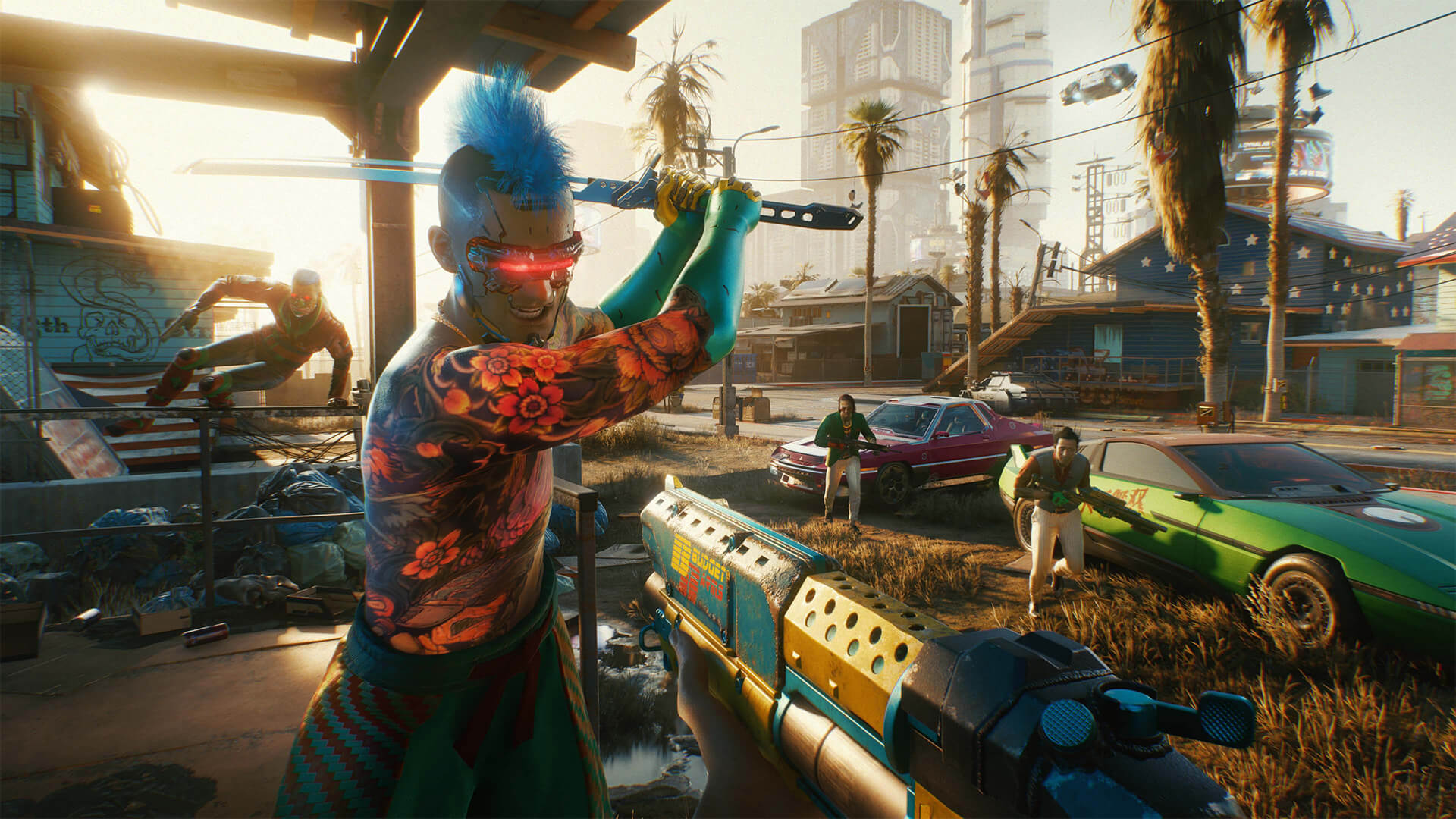
Image source: Epic Games
Mac users now have a dedicated path via the Mac App Store , which hosts the Ultimate Edition. This version is specifically optimized for Apple Silicon, ensuring that the game leverages the unified memory architecture of the M-series chips.
System Requirements for the Post-2.0 Era
It is important to note that the system requirements for Cyberpunk 2077 were significantly revised following the 2.0 update and the release of the Phantom Liberty expansion. The game now places a much higher load on the CPU and requires faster storage solutions to handle the streaming of high-resolution assets.
| Requirement | Minimum (1080p Low) | Recommended (1080p High) |
|---|---|---|
| OS | Windows 10 (64-bit) | Windows 10/11 (64-bit) |
| Processor | Core i7-6700K / Ryzen 5 1600 | Core i7-12700 / Ryzen 7 7800X3D |
| Memory | 12 GB RAM | 16 GB RAM |
| Graphics | GTX 1060 6GB / RX 580 | RTX 2060 Super / RX 5700 XT |
| Storage | 160 GB SSD | 160 GB NVMe SSD |
One of the most critical changes is the mandatory requirement for an SSD (Solid State Drive) . Running the game on a traditional HDD (Hard Disk Drive) will result in severe texture pop-in, audio desync, and frequent crashes. Furthermore, CD Projekt Red recommends maintaining at least 15% extra free space on your drive during the installation process to prevent "Disk Write Errors" that occur when the launcher attempts to unpack large compressed files.
Installing Cyberpunk 2077 on macOS Devices
The arrival of Cyberpunk 2077 on Mac marks a significant advancement for gaming on the platform. However, compatibility is strictly limited to modern hardware. You must be running macOS 15.5 or later to launch the game, as it relies on the latest Metal graphics API features.
Hardware Compatibility and Performance
Based on technical benchmarks, the experience varies significantly across the Apple Silicon lineup:
- Apple M1 (Base): Targets approximately 30 FPS at 1440x900 resolution on low-to-medium settings. 16GB of RAM is highly recommended.
- Apple M2 Pro: Provides a stable 45-60 FPS at 1080p with medium-high settings.
- Apple M3 Pro/Max: These chips rank among the top performers, capable of 60 FPS at 1080p or 1440p. Crucially, hardware-accelerated Ray Tracing is exclusive to M3 chips and newer.
When downloading from the Mac App Store, ensure you have a stable internet connection, as the 159GB file size is substantial. The Mac version is the "Ultimate Edition," which includes the base game, the Phantom Liberty expansion, and all previous updates integrated into a single download.
Troubleshooting Common Installation and Launch Errors
Even with a legitimate copy, users may encounter technical hurdles during or after the download. Addressing these issues requires specific steps that go beyond basic troubleshooting.
bin
,
r6
, and
engine
folders from your installation directory, then use your launcher's "Verify Integrity of Game Files" feature to redownload only the necessary clean files.
Enabling Turkish Language and Subtitles
Cyberpunk 2077 includes official Turkish support, but it is important to clarify what this entails. The game features full Turkish text for the interface, menus, and subtitles. However, there is no Turkish voiceover; the characters will still speak in English (or the language of your choice).
Step-by-Step Activation
- Launch the game and wait for the Main Menu to load.
- Select Settings (or Ayarlar if already partially localized).
- Navigate to the Language ( Dil ) tab at the top of the screen.
- Under the "Interface" and "Subtitles" sections, use the arrows to select Turkish ( Türkçe ).
- Apply the changes. The game may require a brief moment to reload the text assets.
Because the support is official, you do not need to download any third-party "Turkish patches" (yama). In fact, using external language patches on the current v2.31a version can cause script errors and game instability. Always rely on the built-in settings for the safest experience.
Optimizing Performance After the Download
Once the download is complete, your work isn't quite finished. To get the most out of the game's notably innovative graphics, you should configure your settings based on your specific hardware.
Upscaling Technologies: DLSS vs. FSR
If you are using an Nvidia RTX card, DLSS 3.5 (Ray Reconstruction) is a significant step forward in visual fidelity. It helps maintain high frame rates while improving the quality of ray-traced reflections. For users with AMD or older Nvidia cards, AMD FSR 3 provides a highly impactful alternative, offering frame generation that can make the game feel much smoother on mid-range hardware.
The "Clean Install" Procedure
If you are returning to the game after a long break, a simple update might not be enough. Major patches like v2.0 and v2.1 changed core game files. A "Clean Install" is often recommended by experts:
- Uninstall the game via your launcher.
-
Manually delete the
%LocalAppData%\CD Projekt Redfolder. - Reinstall the game from scratch.
Key Takeaways for a Successful Installation
- Use Official Stores: Stick to Steam, GOG, Epic, or the Mac App Store to ensure file integrity and security.
- SSD is Mandatory: Do not attempt to run the game from an HDD; an SSD is required for a playable experience.
- Check Storage: Ensure you have at least 160GB of free space, plus a 15% buffer for the installation process.
- Update Drivers: Always install the latest Game Ready drivers from Nvidia or AMD before launching.
- Turkish Support: Enable Turkish text in the in-game settings; no external patches are needed.
- Mac Requirements: Ensure you have an M1 chip or better and are running macOS 15.5+.
- Fix Crashes: Address DLL errors by installing C++ Redistributables and check BIOS settings for Intel 13th/14th Gen CPUs.
After following these steps, you will be ready to explore the streets of Night City with the best possible performance and stability your hardware can provide.
Frequently Asked Questions
The storage requirement depends on the version. The base game is roughly 70GB, but the Ultimate Edition (which includes the Phantom Liberty expansion and all language packs) requires approximately 159GB to 160GB of space. It is highly recommended to install this on an SSD for proper performance.
There is no permanent free version of the game. However, it is occasionally featured in trials on platforms like PlayStation Plus Premium or Xbox Game Pass. Be wary of sites offering "free" downloads, as these are often bundled with malware that can compromise your computer's security.
Instability on 13th and 14th Gen Intel CPUs is a known issue acknowledged by CDPR. It is typically caused by high power draw settings. Updating your BIOS to include the latest Intel microcode fixes or manually adjusting the power limits in your BIOS settings usually resolves these crashes.
Yes, the M1 Macbook Air can run Cyberpunk 2077, but it is a demanding experience for that hardware. You should expect to play at 1440x900 resolution on low settings to maintain a stable 30 FPS. Ensure your device has at least 16GB of RAM for the best results.
If you purchase the Ultimate Edition, the expansion is included in the main download. If you buy it as a separate DLC for the base game, your launcher (Steam/GOG/Epic) will automatically queue an additional download of roughly 30GB once the base game installation is complete.