Home
How to Find and Install the Best Stardew Valley NSFW Mods
The most comprehensive adult modification for Stardew Valley is Xtardew Valley , which is currently compatible with the 1.6 update (Version 3.2.0+). To run adult content safely, you must install the "Xtardew Stack": SMAPI , Content Patcher , and Stardew Valley Expanded (SVE) . Most explicit gameplay mods are hosted on LoversLab , while visual portrait overhauls are typically found on Nexus Mods after toggling adult content settings.
The release of the Stardew Valley 1.6 update significantly altered the modding landscape. While many legacy mods were rendered obsolete, the community has worked tirelessly to update the most popular adult expansions. Enhancing your farm life with mature themes requires more than just a simple download; it involves a technical understanding of framework dependencies and community safety standards. This guide provides a curated path to installing these modifications while avoiding common technical pitfalls that can lead to game crashes or corrupted save files.
Which Adult Mods Are Actually Worth Downloading?
Navigating the thousands of files available on modding repositories can be overwhelming. Adult mods for Stardew Valley generally fall into three distinct categories: visual overhauls, gameplay expansions, and relationship mechanic changes. Depending on whether you want a subtle aesthetic shift or a complete transformation of the game's social systems, your choice of mods will vary significantly.
Visual and Portrait Overhauls
For players who prefer the original gameplay but want a more mature aesthetic, portrait mods are a top-rated choice. Oho Davi Style Topless Portraits and Valley Girls stand out for their high-quality anime-inspired art. These mods replace the standard character portraits that appear during dialogue with more explicit versions. According to Aqxaromods , these files are relatively small, ranging from 452KB to 19.9MB, making them easy to install without impacting game performance. They typically rely on the Content Patcher framework, ensuring they don't overwrite original game files permanently.
Gameplay and Event Expansions
If you are looking for new story content, Xtardew Valley is widely regarded as one of the most comprehensive options available. Unlike simple portrait swaps, Xtardew adds hundreds of new events, unique dialogue strings, and interactive scenes. It is frequently updated by modder Pseudodiego to ensure compatibility with the latest game versions. Alternatives like Lustdew and Lewd Dew offer different event triggers and writing styles, though they may not have the same level of integration with other major mods like Stardew Valley Expanded. As noted by Kotaku , these mods often lean into the "thirstier" side of the community, providing content that the base game intentionally avoids.
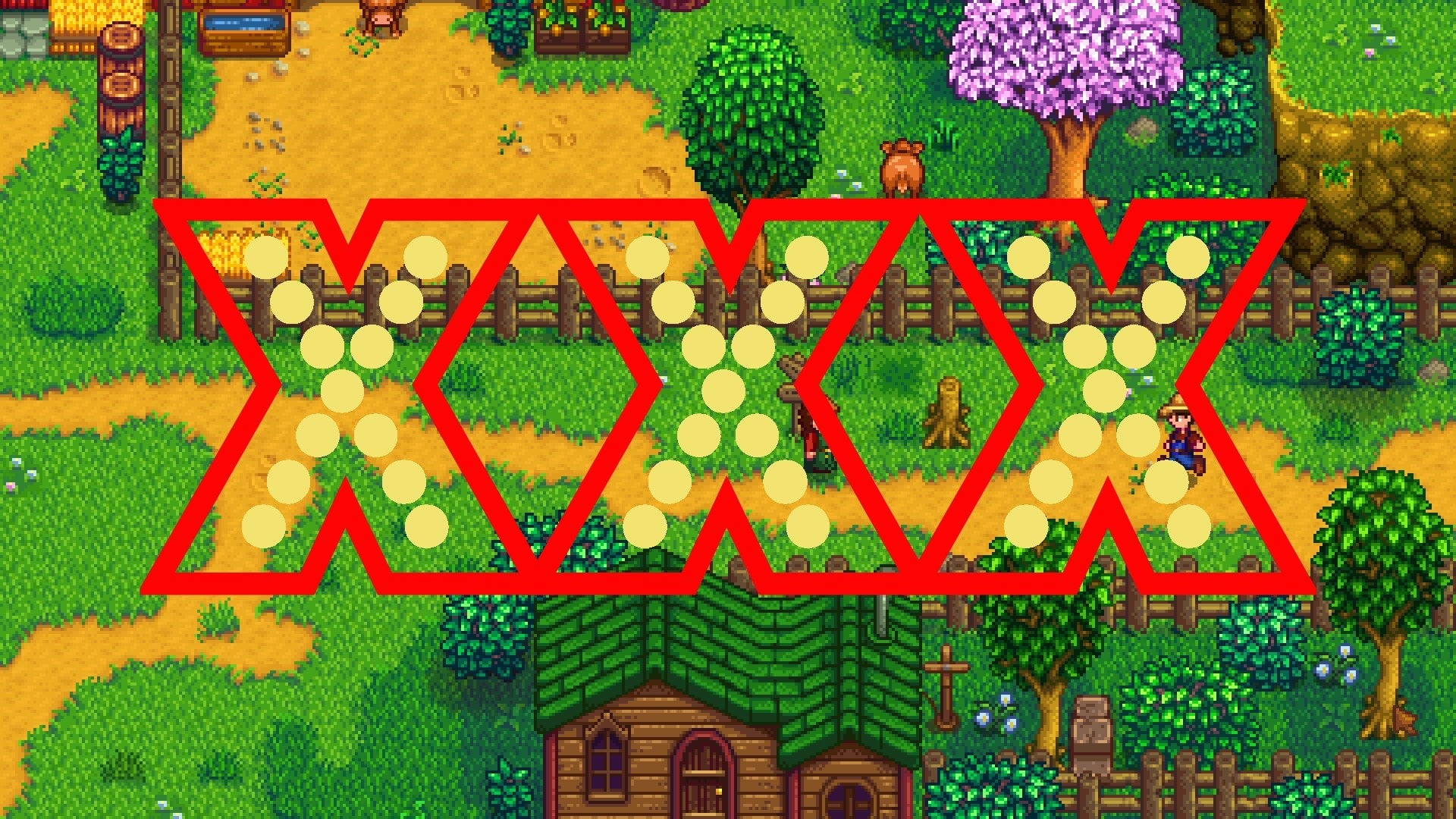
Image source: Kotaku
Relationship and Mechanic Changes
Beyond visuals and events, some mods alter how relationships function. Polyamory Sweet is a popular choice for players who wish to pursue multiple partners without triggering the game's default "jealousy" mechanics. This mod allows for complex household arrangements that the base game does not support. Additionally, niche mods such as Female Muscle Growth (available on Nexus Mods ) cater to specific aesthetic preferences, showing the breadth of the adult modding community's creativity.
How to Set Up the Xtardew Valley Stack for Version 1.6
Installing adult mods is not a "plug and play" process. Most high-level mods require a specific hierarchy of framework tools to function correctly. If you miss one step in this "stack," the game will likely skip the mod entirely or fail to launch.
The Essential Dependency Tree
SMAPI is the foundational mod loader for Stardew Valley. Without it, no other mods will run. Ensure you download the version specifically labeled for 1.6 compatibility.
This framework allows mods to replace game assets (like portraits and maps) without actually editing the game's core files. It is a requirement for almost every NSFW mod.
While technically optional for some, many adult mods like Xtardew Valley are built to utilize the new locations and characters introduced in SVE. Installing this first prevents "missing map" errors.
To unlock specific adult content involving the Wizard, this specific version of the Rasmodius mod is often required as a bridge between SVE and Xtardew.
Finally, place the main Xtardew folder into your /Mods directory. Ensure you are using version 3.2.0 or higher for the best stability on game version 1.6.
Choosing Between Nexus Mods and LoversLab
The two primary hubs for Stardew mods have very different standards for content. Understanding where to look for specific features will save you significant time.
| Feature | Nexus Mods | LoversLab |
|---|---|---|
| Content Intensity | Mild to Moderate (Portraits/Nudity) | Explicit (Gameplay/Interactions) |
| Safety Standards | High (Strict TOS) | Variable (Community Moderated) |
| Primary Focus | Visual Overhauls | Scripted Events & Mechanics |
| Account Requirement | Required to see "Adult" content | Required for all downloads |
Safety Tips for Navigating the Adult Modding Community
The adult modding scene is largely self-governed, which means users must take personal responsibility for auditing the content they install. While most creators are dedicated to providing high-quality entertainment, legacy files can sometimes contain content that is no longer considered acceptable by modern community standards.
The Horny Bachelors Controversy
A significant point of discussion within the community involves the "Horny Bachelors" mod. According to reports on Reddit , older versions of this mod were flagged for containing inappropriate dialogue involving child NPCs, specifically Vincent. While newer versions claim to have removed this content, many veteran modders suggest total avoidance of legacy files from this creator due to the nature of the original code. This serves as a reminder that "popular" does not always mean "safe."
How to Audit Your Own Mods
If you are concerned about the content of a mod, you can manually audit the files before launching the game. This is a high-value skill for any serious modder.
- Open the `content.json` file: Use a text editor like Notepad++ to view the mod's logic.
- Search for Keywords: Use Ctrl+F to search for NPC names (e.g., "Vincent", "Jas", "Leo") to ensure they aren't included in adult dialogue triggers.
- Check Dependency Versions: Ensure the mod doesn't require outdated versions of SMAPI that could compromise your system security.
- Verify Source: Only download from reputable threads on LoversLab or verified creators on Nexus.
- Read the Comments: Community members often flag problematic content in the "Posts" or "Comments" section of a mod page.
Enabling Adult Content on Nexus Mods
By default, Nexus Mods hides all adult content. To see these mods, you must log in to your account, go to "User Settings," then "Content Blocking," and toggle the "Show adult content" switch. Without this, searches for "NSFW" or "Adult" will return zero results, even though hundreds of mods exist on the platform.
Advanced Gameplay Mechanics Beyond Visuals
Modern adult mods for Stardew Valley have evolved beyond simple image swaps. They now integrate deeply with the game's core loops, affecting how you manage your farm and your time.
Blackmail and Infidelity Systems
Some advanced modifications introduce a "consequence" system for social interactions. For instance, MissCoriel’s Infidelity Mod (a work-in-progress often discussed on community forums) introduces mechanics where NPCs can catch the player in a romantic encounter with another character. This can lead to "Blackmail" events, where the player must maintain a high heart level with the witness or face social penalties. This adds a layer of strategic depth to the game's dating mechanics that is entirely absent from the vanilla experience.
Stamina and Health Impacts
To make adult encounters feel like a part of the game's resource management, some mods implement stamina drains. Engaging in specific "events" may consume a portion of the player's daily energy, similar to chopping wood or mining. This forces the player to decide between progressing their farm's productivity and pursuing social goals, creating a more cohesive gameplay experience. Managing your energy becomes even more critical when these mods are paired with "Hardcore" farming expansions.
Common Installation Mistakes and How to Fix Them
Even experienced modders can run into issues with the 1.6 update. Most errors are not caused by the mods themselves, but by how they are placed within the file system.
The Folder Nesting Trap
This is the most frequent cause of "Mod Not Found" errors. When you download a large expansion like Stardew Valley Expanded or Xtardew Valley, the zip file often contains multiple sub-folders (e.g., `[CP] Name`, `[FTM] Name`, `[JA] Name`). You must not leave these inside a master folder.
Incorrect Structure
/Mods/Xtardew_Master_Folder/[CP] Xtardew/
Result: SMAPI cannot "see" the Content Patcher files because they are buried too deep.
Correct Structure
/Mods/[CP] Xtardew/
/Mods/[FTM] Xtardew/
Result: SMAPI identifies the frameworks immediately and loads the assets.
Troubleshooting the SMAPI Console
When you launch the game, the SMAPI console (the text window) provides vital information. Learning to read this is essential for troubleshooting:
- White/Grey Text: Standard loading information. Everything is fine.
- Purple Text: An update is available for one of your mods.
- Red Text: A critical error. This usually means a mod is missing a dependency (like Json Assets ) or is incompatible with your game version.
- "Skipped Mods": This happens when a mod is in the folder but SMAPI can't run it. Check for "nested folders" or missing framework mods.
/home/deck/.local/share/Steam/steamapps/common/Stardew Valley/Mods
. Ensure you have "Show Hidden Files" enabled in the Dolphin file explorer to see the
.local
folder.
Frequently Asked Questions
%command%
.
Key Takeaways for Modding Stardew Valley
- Prioritize the Stack: Always install SMAPI and Content Patcher before attempting to add adult content.
- Use Reputable Sources: Stick to LoversLab for gameplay and Nexus Mods for visuals to ensure file integrity.
- Avoid Nested Folders: Ensure sub-folders like [CP] are placed directly in the /Mods directory.
-
Audit for Safety:
Manually check
content.jsonfiles if you are using legacy mods like "Horny Bachelors." - Manage Dependencies: Many NSFW mods require Stardew Valley Expanded to function as intended.
- Check SMAPI Logs: Use the console to identify red text errors and missing frameworks immediately.
- Backup Your Saves: Always create a copy of your save data before installing large gameplay expansions.
By following these technical steps and safety guidelines, you can successfully enhance your Stardew Valley experience with mature themes while maintaining a stable and secure game environment.