Home
How to Find and Install High-Quality Sims 4 Hair Custom Content for Every Aesthetic
Building a library of hair Sims 4 custom content involves choosing between two main styles: Maxis Match (MM) , which blends with the game's original art, and Alpha , which offers realistic textures. According to community data, there are over 18,000 hair options available on platforms like The Sims Resource . To ensure a smooth experience, prioritize creators like Simstrouble for gameplay optimization and aharris00britney for versatile packs. Always check for "Mesh Required" notes to avoid the dreaded red-and-white question mark glitch.
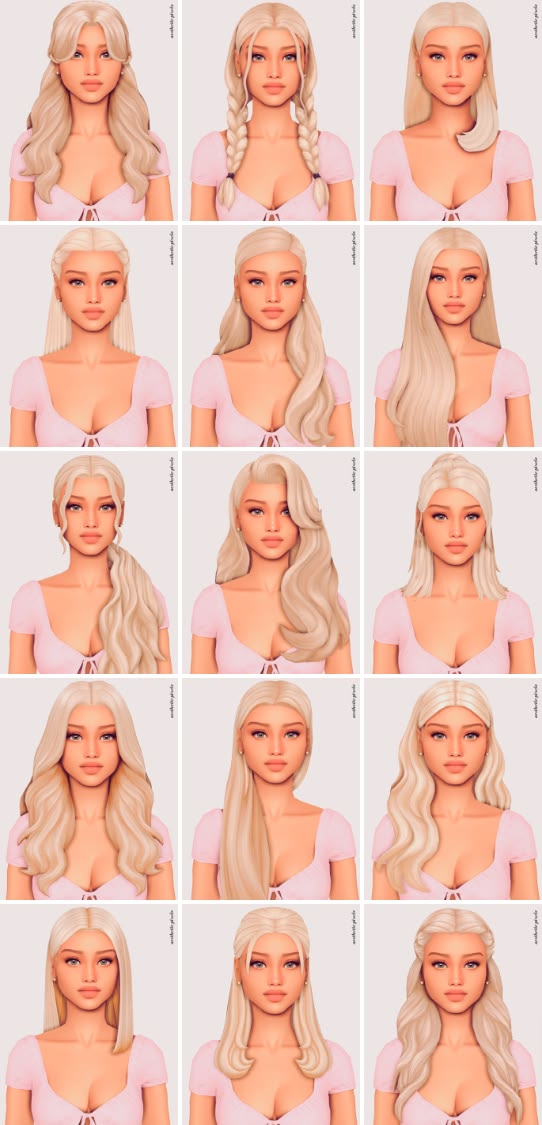
Image source: Pinterest
What Is the Difference Between Maxis Match and Alpha Hair CC?
The Sims 4 community is broadly divided into two aesthetic camps. Understanding these is essential before you start downloading, as mixing them can sometimes lead to a visual clash that breaks immersion for some players.
Maxis Match (MM) hair is designed to mimic the "clay-like" texture of the original game assets created by Maxis. These styles use solid shapes and painted-on highlights rather than individual hair strands. Many players consider MM a top choice because it maintains the game's cohesive art style and is generally more performance-friendly for mid-range computers.
Alpha Hair , on the other hand, aims for realism. It utilizes high-detail textures and transparency maps to create the appearance of individual strands of hair. While Alpha hair can look stunning in screenshots and cinematic gameplay, it often requires a more powerful PC to render correctly without causing lag. According to ModCollective , the distinction between these two styles is the first thing a new CC user should decide upon.
| Feature | Maxis Match (MM) | Alpha Hair |
|---|---|---|
| Texture Style | Clay-like, smooth, stylized | Realistic, individual strands |
| Performance Impact | Low to Moderate | High (can cause lag) |
| Visual Vibe | Cohesive with EA art | High-fashion, realistic |
| File Size | Typically smaller | Typically larger |
Who Are the High-Quality Sims 4 Hair CC Creators You Should Follow?
With thousands of creators contributing to the community, finding consistent quality can be a challenge. The following creators have established themselves as highly regarded authorities in the niche due to their technical skill and aesthetic consistency.
Why Simstrouble Is a Top Choice for Gameplay Ready Hair
Simstrouble is widely considered one of the most reliable creators for Maxis Match hair. Their philosophy centers on "Gameplay Ready" content, which means every mesh is optimized to prevent game lag. A significant advancement in their work is the consistent inclusion of hat compatibility, ensuring your Sims don't look broken when wearing winter gear or baseball caps. As noted on the Simstrouble Patreon , their hairs typically include the standard 24 EA color palette, making them easy to integrate into any save file.
How aharris00britney Defines the Modern Maxis Match Look
If you are looking to overhaul your entire town, aharris00britney is a name you will see frequently. They are known for releasing massive hair packs that contain dozens of styles in a single download. Their work is a popular choice for players who want a "Clean Slate" library because of the consistent quality and modern, trendy designs that feel like a significant step forward from the base game's aging hair options.
Where to Find High-Fashion Alpha Styles from Daylifesims and Stealthic
For those who prefer the Alpha aesthetic, Daylifesims and Stealthic represent some of the strongest options available. Daylifesims often focuses on trendy, high-fashion looks that are frequently featured in "Simstagram" lookbooks. Stealthic, a veteran in the community, is known for exceptionally strong meshes that have set a high standard for Alpha hair for years. These creators often use high poly counts, so they are best suited for users with gaming PCs.
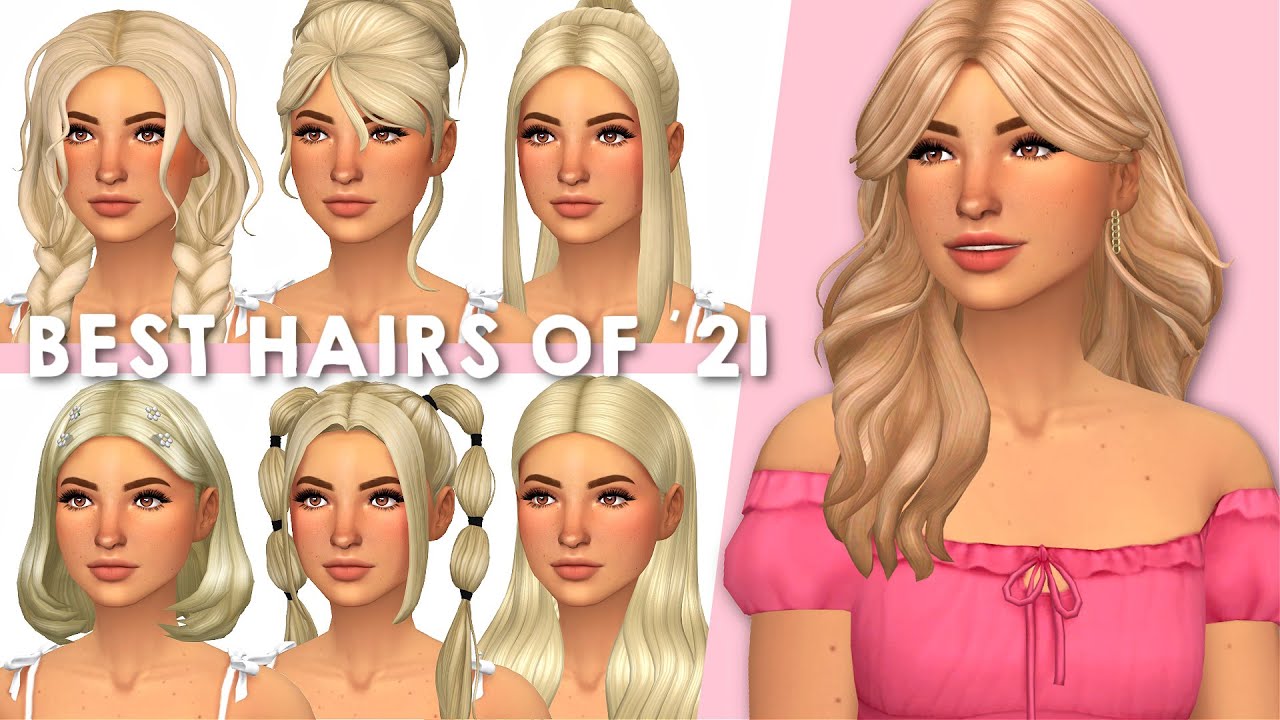
Image source: YouTube
How to Build a High-Quality Hair Library from Scratch
Starting a CC collection can be overwhelming. Instead of downloading random files, many power users recommend a "Clean Slate" workflow to ensure your library remains organized and functional.
- Prioritize Essential Packs: Instead of downloading individual hairs, look for "CC Packs" from creators like Greenllamas or aharris00britney. These often provide 50+ styles that share the same textures, which helps keep your game's visual style consistent.
- Filter by Base Game Compatibility: To avoid frustration, always check if a hair requires a specific Expansion Pack (like Get to Work or High School Years ). Most top-tier creators ensure their content is "Base Game Compatible" (BGC).
- Verify Hat Compatibility: There is nothing more immersion-breaking than a Sim's hair clipping through a hat. Look for the "Hat Compatible" tag in the creator's description.
- Check for Mesh Requirements: If you are downloading a "recolor," you must also download the original mesh. Without it, your Sim will appear with red and white question marks or become invisible.
Which Hair CC Is Recommended for Low-End PCs and Laptop Mode?
Performance is a major concern for many Sims players. The "Poly Count" (the number of polygons used to create the 3D shape) determines how much strain a piece of CC puts on your computer. High-poly Alpha hair can contain 50,000+ polygons, which may cause significant lag or even crashes on older laptops.
For players using "Laptop Mode," Maxis Match hair is generally the safer and more efficient choice. Creators who focus on optimization often use custom specular and normal maps. These technical files allow the hair to have depth and shine without needing a massive number of polygons. According to Sims Community , sticking to optimized MM creators can help maintain a high frame rate even in crowded lots.
How to Install Hair CC and Keep Your Mods Folder Organized
Proper installation is the key to a stable game. All hair CC comes in the
.package
file format. Unlike script mods, these files are relatively flexible, but they still require a specific folder structure to function correctly.
The standard file path for installation is:
Documents > Electronic Arts > The Sims 4 > Mods
. While the game can read files inside sub-folders, it is widely regarded as a best practice to stay only "one sub-folder deep" for organization. A highly recommended structure used by community veterans is:
-
Mods > Hair > [Creator Name] -
Mods > Clothing > [Creator Name]
This organization makes it much easier to find and delete broken content after a game update. Remember that every time EA releases a major patch, you should check if your mods need updating, though hair CC is notably more stable than script mods like MC Command Center.
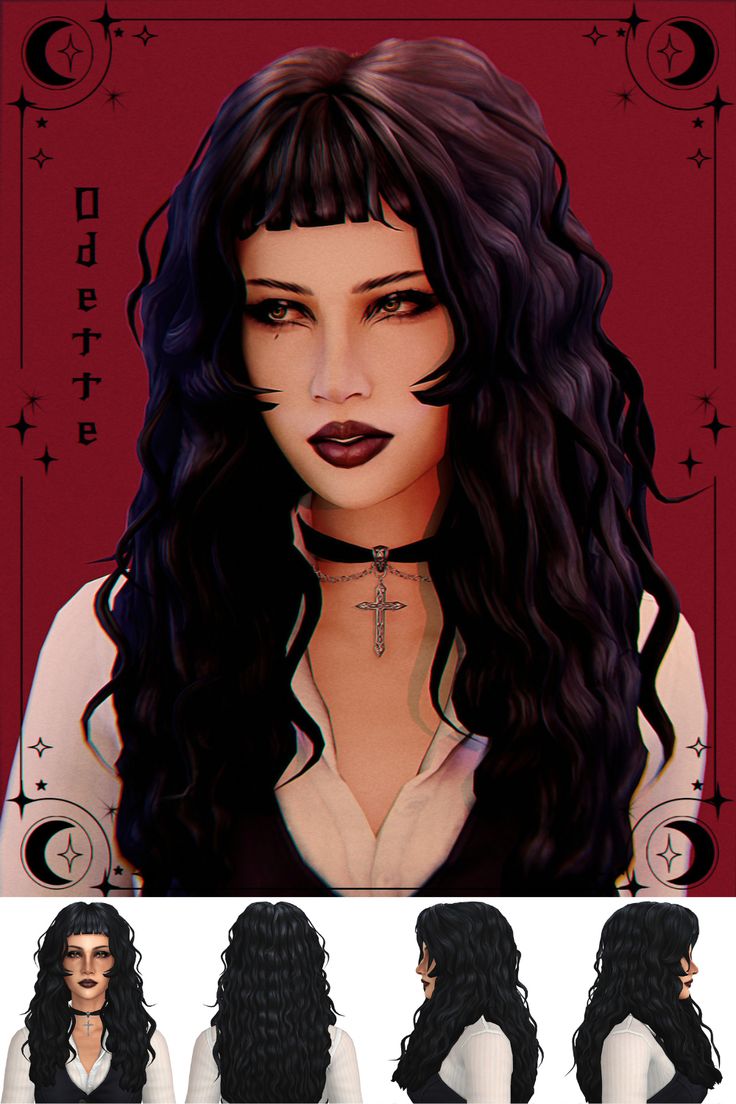
Image source: Pinterest
Why Does My Sims 4 Hair CC Look Broken or Missing?
Even experienced players encounter technical glitches. Most issues with hair CC are not caused by the game itself, but by how the files were downloaded or handled.
How to Fix the Red and White Question Mark Glitch
This is the most common issue in the CC community. If your Sim appears covered in a red-and-white checkerboard pattern with question marks, it means the mesh is missing . This happens when you download a "recolor" (a new set of colors for a hairstyle) but forget to download the original 3D model (the mesh) that the colors are applied to. To fix this, go back to the download page and look for a link that says "Mesh Required" or "Original Mesh."
What to Do When Hair Disappears at a Distance
If a hairstyle looks great up close but disappears or changes shape when you zoom out, the creator likely did not include proper LODs (Level of Detail) . LODs are simplified versions of the hair mesh that the game uses when the camera is far away to save performance. Poorly made CC often skips these, leading to "popping" visuals. In this case, there is no easy fix other than deleting the file and looking for a more technically sound creator.
How to Handle Timed Early Access and Paywalls
Many creators use Patreon to fund their work. While EA's Terms of Service generally require that CC eventually be made available for free, many creators use a "Timed Early Access" model. This means patrons get the hair 2-3 weeks before the general public. If you find a link that is locked, check back in a few weeks; it will typically become free to download. Avoid sites that keep content behind a permanent paywall, as this is often considered a violation of the game's community guidelines.
Final Thoughts on Building Your Perfect CC Collection
Creating a beautiful and functional Sims 4 library is a rewarding process that allows for deep personalization of your gameplay experience. Here are the key takeaways to remember:
- Choose your aesthetic early (Maxis Match vs. Alpha) to maintain a cohesive visual look.
- Download from trusted creators like Simstrouble or aharris00britney to ensure your files are optimized.
- Always check for meshes when downloading recolors to avoid the question mark glitch.
- Organize your Mods folder by creator name to make troubleshooting easier.
- Prioritize low-poly hair if you are playing on a laptop or older computer.
- Stay updated on EA's patch notes, as major updates can occasionally affect how CC renders.
Start by downloading one large pack from a reputable creator to see how your system handles custom content before expanding your library further.
Frequently Asked Questions
How do I install Sims 4 hair CC?
.package
file and place it in your Mods folder, typically located at
Documents > Electronic Arts > The Sims 4 > Mods
. After placing the file, you must open your game, go to Game Options > Other, and check the boxes for "Enable Custom Content and Mods" and "Script Mods Allowed." Restart your game for the changes to take effect.
Is Sims 4 hair CC free to download?
Why is my Sim bald after I download a new hairstyle?
Does adding hair CC slow down The Sims 4?
localthumbcache.package
file in your Sims 4 folder and avoid hoarding thousands of files you don't use.
Can I use Alpha and Maxis Match hair together in the same game?
Where is the safest place to download Sims 4 hair CC?