Home
How to Make Your Island Bigger in Tomodachi Life Using the Living the Dream Mod
Does the Island Get Bigger in the Original Tomodachi Life?
One of the most frequent points of confusion among players is whether the island naturally grows as you play the standard game. In the vanilla Nintendo 3DS version of Tomodachi Life, the physical landmass is permanent. While you can unlock new buildings—such as the Concert Hall, the Hat Shop, or the Observation Tower—the actual shape and size of the island never change. The game focuses on population density rather than geographic expansion.
To experience a dynamic, growing island, you must use the Living the Dream (LTD) mod . This community-developed expansion is widely regarded as one of the most significant advancements for the title, introducing features that Nintendo never officially implemented. The mod transforms the island from a static backdrop into a customizable environment that reacts to your progress. According to Tomodachi Life Wiki , the mod's expansion system is the primary way players can physically alter their surroundings.
It is important to distinguish between "unlocking buildings" and "expanding land." In the base game, you might feel like the island is growing because new icons appear on the map, but the coastline remains identical from the first day to the last. The LTD mod changes this by physically adding new tiles and land sections as your Mii population grows, providing a much-needed sense of progression for long-term players.
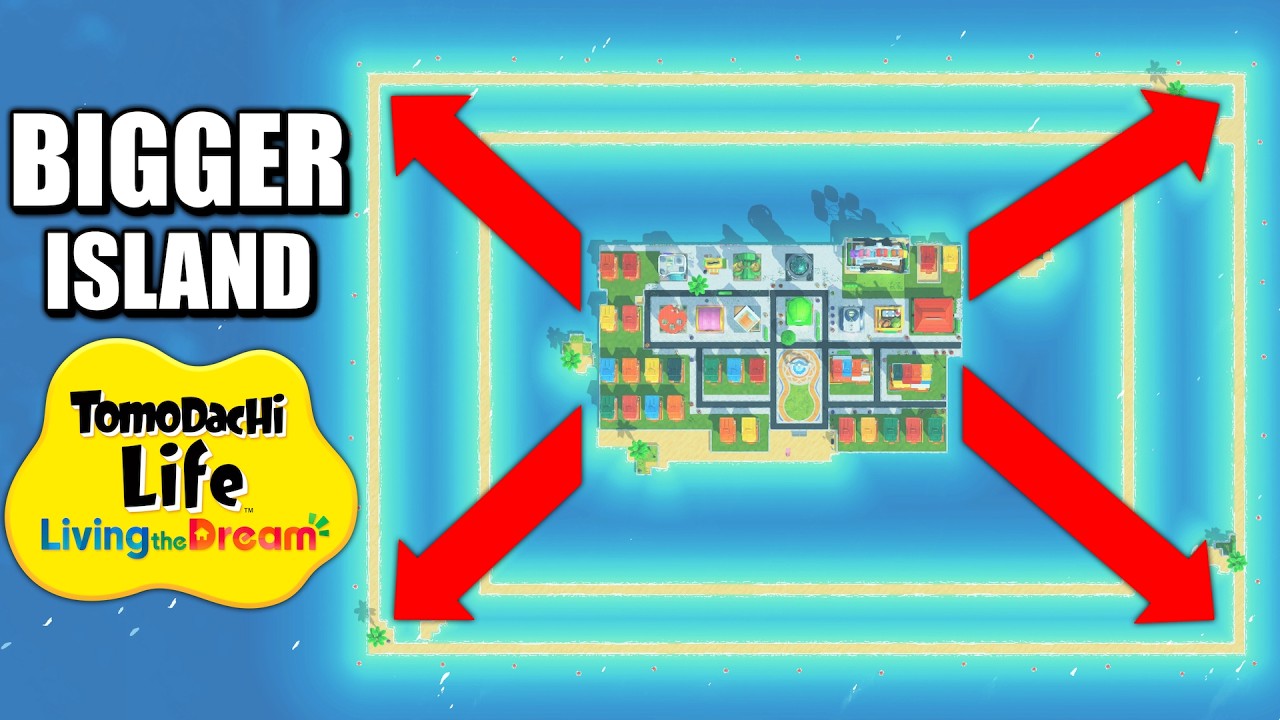
Image source: YouTube
How Many Miis Do You Need to Expand Your Island?
Expansion in the Living the Dream mod is not something you purchase with in-game currency; rather, it is a reward for growing your community. The mod uses population triggers to determine when the map should update. These milestones are hard-coded into the mod's logic, making them predictable goals for players to aim for.
Based on data from Animal Crossing World , there are four critical stages of development you should be aware of:
Expansion Milestone Comparison Table
| Mii Count | Expansion Level | Key Features Unlocked |
|---|---|---|
| 6 Miis | Level 0 | Island Builder Tool, Basic Tiles |
| 8 Miis | Level 1 | First Land Increase, New Coastline |
| 20 Miis | Level 2 | Major Landmass, Additional Water Tiles |
| 35 Miis | Level 3 (Max) | Full Map Access, All Seasonal Tiles |
How to Unlock and Use the Island Builder Tool
The Island Builder is the heart of the Living the Dream mod. Once you reach the 6-Mii milestone, this tool appears in your menu, giving you the power to reshape the island's surface. Unlike the base game, where the ground is just a static texture, the Island Builder treats the island as a grid of tiles that can be modified individually.
When you open the tool, you are presented with several tile categories, including Grass, Dirt, Sand, and Water. Each tile type has different variations to help you create a more organic look. For example, the "Dirt" category includes both dry earth and muddy patches, allowing for realistic transitions between land and water. According to TheGamer , mastering these tile transitions is essential for creating a professional-looking island.
Seasonal Tile Management
One feature that many players overlook is the seasonal tile system. Certain decorative tiles, such as Cherry Blossoms or Autumn Leaves, are not available year-round. These are typically unlocked through the Wishing Fountain during their respective real-world seasons. If you are playing in July, you may not see the option for snow-covered tiles unless you have previously unlocked them or use a time-skip method (though time-skipping is generally discouraged due to potential save file corruption).
The Whole Island View Hack
Editing a large island can be difficult when zoomed in. The Island Builder includes a "Whole Island View" mode that many users miss. By toggling the camera view, you can see the entire grid from a top-down perspective. This is a top-tier method for planning large-scale projects, such as creating a central lake or a winding river system that spans the entire landmass.
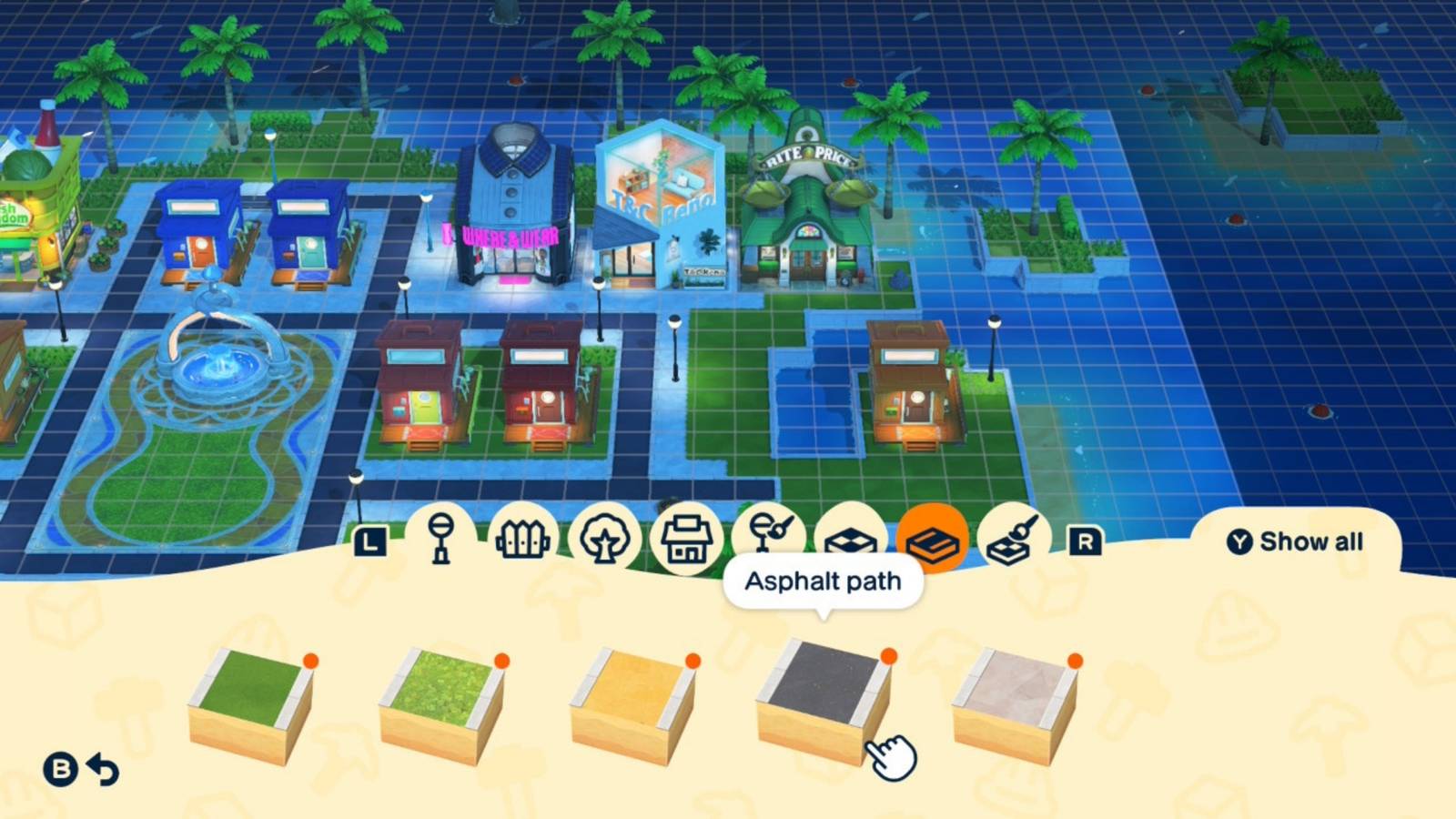
Image source: DualShockers
How to Reach 35 Miis Quickly Using the Clone Method
Reaching 35 Miis can take a significant amount of time if you are carefully crafting every resident. For players who want to unlock the maximum island size as quickly as possible, the "Clone Method" is a popular choice. This strategy involves creating "filler" Miis—often duplicates or simple designs—just to hit the population triggers.
The process is straightforward:
- Go to the Mii Maker and create a basic Mii (or use a QR code to import one).
- Add the Mii to your island via the Town Hall.
- Repeat this process until you hit the 35-Mii milestone.
- Once the island expands, you can choose to keep the Miis or delete them.
A major benefit of the LTD mod is that island expansion is permanent. Once you trigger the 35-Mii expansion, the land will stay at that size even if you delete the "clones" later. This allows you to "pad" your population to get the land you want, then clear out the filler Miis to make room for residents you actually care about.
The Financial Cost of Speed-Running
While the Clone Method is efficient, it isn't entirely free. In the Living the Dream mod, deleting a Mii resident often incurs a small administrative fee in in-game currency. If you plan to cycle through 20 or 30 Miis just to hit the milestone, ensure you have a healthy bank balance. Based on community reports, deleting a Mii can cost around 2,000 currency units. To cycle 30 Miis, you would need a budget of approximately 60,000 units. This makes the method a strong contender for late-game players but potentially difficult for beginners.
Why Isn't My Island Growing After Adding Miis?
It can be frustrating to hit a milestone and see no change on your map. This is a common issue often referred to as the "Stuck Expansion" bug. In most cases, it isn't a bug at all, but rather a failure to trigger the game's internal check for new residents. The mod needs to "confirm" the population before it updates the physical assets of the island.
The Town Hall Trigger
The most important step after adding Miis is visiting the Town Hall. The expansion logic is often tied to the Town Hall's notification system. If you add 10 Miis via QR codes but never enter the Town Hall, the game may not register the new count for expansion purposes. Simply entering the building and viewing the resident list is usually enough to force the game to re-evaluate the island size.
Unique Resident Check
Ensure that the Miis you are adding are considered "unique" residents. If you are using a modded save file or external editors, sometimes the internal ID of the Mii can conflict with existing residents. If the game sees two Miis with the identical internal ID, it may only count them as one person toward your milestone. Always create new Miis or use unique QR codes to avoid this technical hurdle.
How to Make Your Expanded Island Look Natural
Once you have the extra land, the next challenge is making it look good. The Island Builder uses a grid system, which often leads to "blocky" or artificial-looking islands. Many players end up with a giant rectangle of dirt that feels out of place in the ocean. To combat this, community members have developed creative strategies for natural landscaping.
The "Rice Method" for Design
Borrowed from the world of fantasy cartography, the Rice Method is a highly effective way to generate organic shapes.
- Take a small bowl of uncooked rice and gently drop it onto a flat surface (like a table).
- The rice will scatter into a random, organic shape.
- Take a photo of the shape or trace it onto paper.
- Use this shape as a template for your Island Builder grid, placing land tiles where the rice fell and water tiles everywhere else.
Breaking Up Straight Lines
If you don't want to use the Rice Method, simply remember to avoid long, straight edges. When building a coastline, try to stagger your tiles. Instead of a 10-tile straight line, do 3 tiles, then move in one space for 2 tiles, then out one space for 4 tiles. Adding small "islets" or ponds just off the main coast can also help the island feel like a natural landmass rather than a man-made platform.
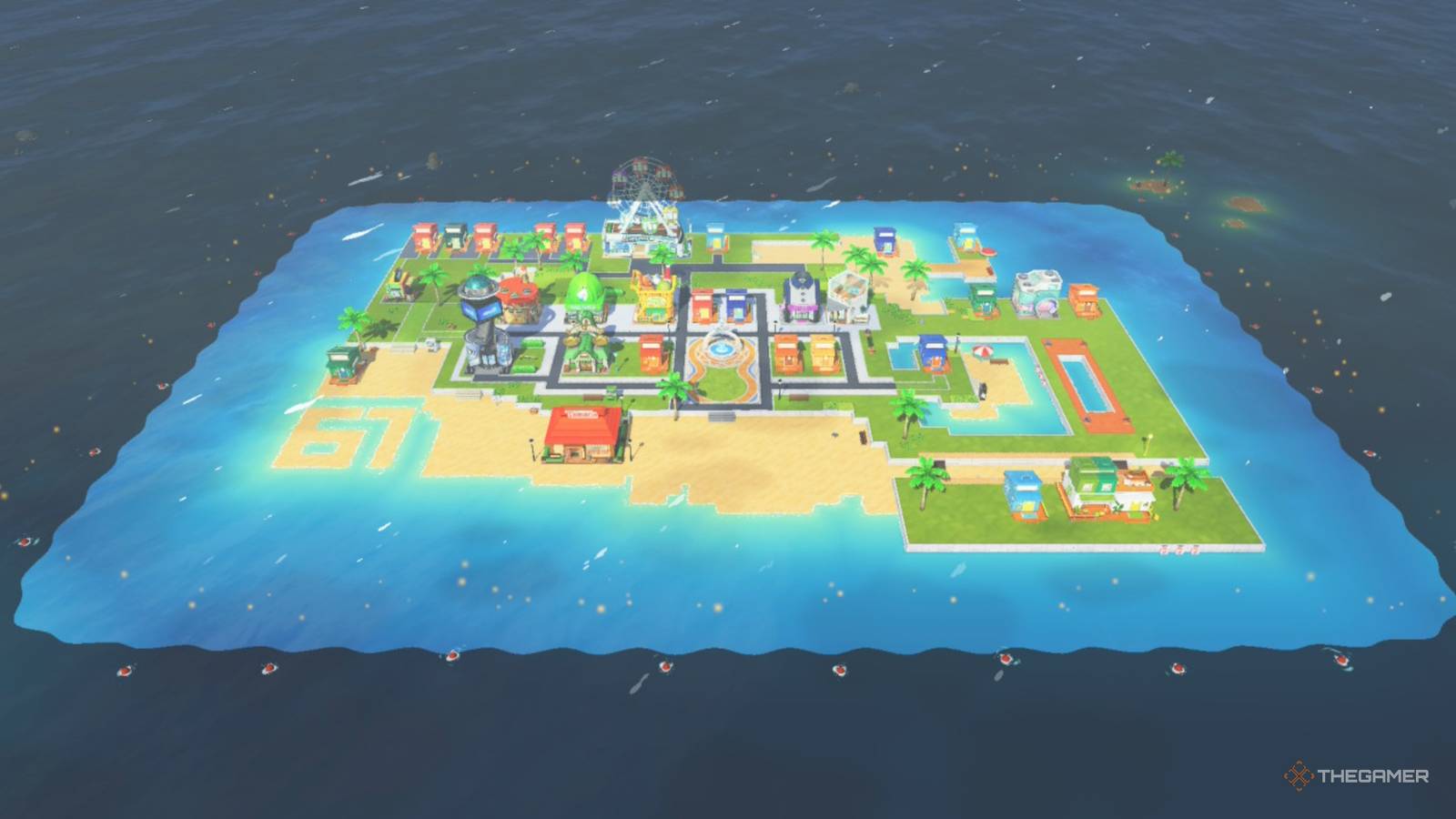
Image source: TheGamer
Frequently Asked Questions
Key Takeaways for Expanding Your Island
Expanding your island in Tomodachi Life is a rewarding process that transforms your gameplay experience from a simple social sim into a creative landscaping project. By following the milestones and using the tools provided by the LTD mod, you can create a truly unique home for your Miis.
- Mod Requirement: Physical expansion is only possible using the Living the Dream (LTD) mod; the base game is static.
- Milestone Triggers: Aim for the magic numbers of 8, 20, and 35 Miis to trigger land growth.
- Island Builder: Reach 6 Miis to unlock the landscaping tool and start customizing your tiles.
- Clone Strategy: Use temporary Miis to hit milestones quickly, as expansion is permanent even if Miis are later deleted.
- Town Hall Check: Always visit the Town Hall after adding Miis to ensure the game registers the expansion trigger.
- Natural Design: Use the Rice Method or staggered tile placement to avoid a "blocky" grid appearance.
- Seasonal Content: Check the Wishing Fountain regularly to unlock unique tiles tied to the time of year.
Start by adding your first 8 Miis today to see your island's first physical transformation in action.