Home
How to Mod Stardew Valley Mobile on Android Devices Running Version 1.6
Modding Stardew Valley mobile is currently exclusive to Android devices. As of late 2024 and into 2026, the process requires the SMAPI Android port (specifically version 1.6.15.1 or later) and a device with a 64-bit architecture . iOS users remain unable to mod the game due to Apple's restrictive file system. The core steps involve installing the SMAPI APK, creating a "Mods" folder in your internal storage, and using a file manager like ZArchiver to extract mod files into that directory.
The arrival of the 1.6 update for Stardew Valley brought a wealth of new content, but it also fundamentally changed the technical landscape for mobile modding. Many players who relied on older guides for version 1.5 have found their setups broken or incompatible. Modding on mobile is a significant advancement for the community, allowing for a highly personalized experience that rivals the PC version, provided you follow the correct technical requirements.
In this guide, we will walk through the precise steps needed to get your farm running with custom content, from checking your hardware compatibility to managing complex framework mods like Stardew Valley Expanded. Whether you are looking to add simple aesthetic changes or overhaul the entire game, understanding the nuances of the Android file system is essential.
Image source: YouTube
Can You Mod Stardew Valley on Both Android and iOS?
The short answer is no. There is a hard technical wall between the two major mobile platforms when it comes to third-party modifications. While Android users enjoy a relatively open environment, iOS users are restricted by the operating system's "sandboxing" architecture.
Android allows users to access the internal file system and execute third-party APIs. This makes it possible for the community-developed SMAPI (Stardew Modding API) to hook into the game files and load mods. It is widely considered a top choice for players who want a modded experience on the go.
Apple's iOS prevents apps from interacting with each other's files in the way required for SMAPI to function. Unless you are using a jailbroken device (which carries significant risks), modding Stardew Valley on iPhone or iPad is currently impossible. Be wary of sites promising "iOS Mod APKs," as these are often malicious.
According to the Stardew Valley Wiki , the Android port of SMAPI is a community-led effort. It is not officially supported by ConcernedApe, meaning players should always back up their save files before attempting any installation. The transition to 1.6 has made this even more critical, as the underlying code structure of the game has been notably updated.
Check These Requirements Before You Start Modding
Before you download any files, you must ensure your hardware and software meet the minimum criteria. Attempting to install mods on an incompatible device is a primary cause of the "App Not Installed" error that plagues many users.
Verifying Your Android Version
To run mods on the 1.6 version of Stardew Valley, your game must be updated to at least version 1.6.15.1 . Older versions of the game will not work with the current SMAPI installers. You can check your version in the Google Play Store or by looking at the bottom-right corner of the game's title screen.
The 64-bit Architecture Requirement
This is the most common pitfall for mobile players. The 1.6 update and the corresponding SMAPI port require a 64-bit Android OS . Many budget or older phones run a 32-bit version of Android, even if the processor itself is 64-bit capable. To check your device architecture:
- Download a free tool like "CPU-Z" or "64-bit Checker" from the Play Store.
- Look for "Kernel Architecture" or "Instruction Set."
- If it says ARMv8 or aarch64 , you are good to go.
- If it says ARMv7 or armeabi , your device is 32-bit and cannot run SMAPI for 1.6.
How to Install SMAPI on Your Android Device
SMAPI is the "Gatekeeper" for all mods. It acts as a launcher that loads the game and then injects the modded code. The mobile port is currently maintained by developers like NRTnarathip , following the work of previous contributors like ZaneYork.

Image source: YouTube
Once installed, you should see two Stardew Valley icons on your home screen. The original one remains your "vanilla" game, while the SMAPI icon is your gateway to the modded world. Launching the SMAPI version for the first time will generate the necessary folder structure in your internal storage.
Where to Find and Download Mobile Compatible Mods
The premier source for mods is Nexus Mods . However, not every mod on Nexus works on mobile. PC mods that use complex C# code often require specific Android ports, while "Content Patcher" mods are generally cross-platform compatible.
When searching for mods, look for these indicators of mobile compatibility:
- Content Patcher Requirement: If a mod only requires Content Patcher, it has a high probability of working on Android.
- The Archive Trick: If the latest version of a mod crashes your game, check the "Files" tab on Nexus and look at the "File Archive." Sometimes an older version released shortly after the 1.6 PC launch is more stable for the mobile port.
- Android Tags: Some mod authors explicitly state "Android Compatible" in the description or provide a separate download for mobile users.
Always read the "Requirements" section on the mod page. Many mods depend on "Framework Mods" to function. If you miss a dependency, the mod will simply fail to load, and you may see errors in the SMAPI console (the scrolling text that appears when you launch the game).
How to Move Mod Files to the Correct Folder
Downloading the mod is only half the battle. You must place the files in a specific location for SMAPI to recognize them. This requires a file explorer that can handle .zip and .7z files; ZArchiver is a popular choice for this task.
The standard path for mods on Android is:
Internal Storage > StardewValley > Mods
Avoiding the Nested Folder Trap
This is the single most common reason mods fail to appear in-game. When you extract a zip file, some apps create a sub-folder with the same name as the zip. SMAPI can only read mods if the folder containing the
manifest.json
file is directly inside the
Mods
folder.
| Structure Type | Example Path | Status |
|---|---|---|
| Correct |
/Mods/ChestsAnywhere/manifest.json
|
✅ Works |
| Nested (Incorrect) |
/Mods/ChestsAnywhere_v1.2/ChestsAnywhere/manifest.json
|
❌ Fails |
| Missing Folder |
/Mods/manifest.json
(Loose files)
|
❌ Fails |
If you open your mod folder and see another folder with the same name inside it, move that inner folder out to the main
/Mods/
directory and delete the empty parent folder. This "flat" structure is essential for the API to index your custom content correctly.
Essential Framework Mods for Mobile Players
Framework mods don't add content themselves; instead, they provide the tools that other mods use to change the game. Without these, most popular mods like Stardew Valley Expanded or RidgeSide Village will not function. These are widely regarded as the "Starter Pack" for any modded setup.
- Content Patcher: The most important framework. it allows mods to replace game textures and data without permanently altering the original files.
- Farm Type Manager (FTM): Required for mods that add custom forage, ores, or monsters to new map areas.
- Json Assets (JA): Allows mods to add new items, crops, and furniture to the game's database.
- SpaceCore: A prerequisite for many advanced mods that change skills or add new menu systems.
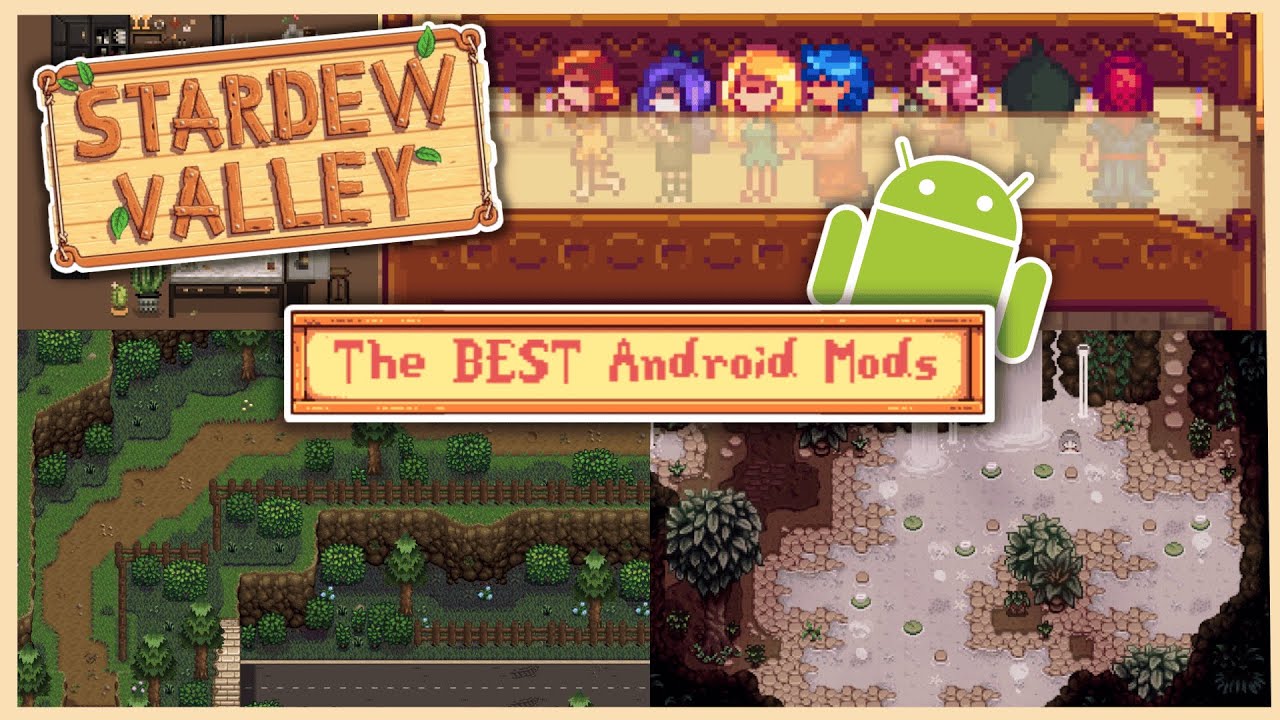
Image source: YouTube
In our assessment, you should install these four frameworks first and launch the game to ensure they load correctly before adding more complex mods. This "incremental" approach makes troubleshooting much easier if a conflict occurs.
How to Manage Multiple Modded Save Files
One of the risks of modding is save corruption, especially if you remove a mod that added custom items (like Json Assets crops) to your farm. To prevent this, many advanced users employ a "Folder Swapping" technique.
By default, SMAPI looks for a folder named
Mods
. You can create multiple folders in your
StardewValley
directory, such as
Mods_Vanilla
,
Mods_Expanded
, and
Mods_Aesthetic
. When you want to play a specific save, simply rename the corresponding folder to
Mods
and ensure the others have different names. This allows you to switch between a heavily modded playthrough and a standard one without the risk of crashing your vanilla saves.
Additionally, always keep a backup of your
Saves
folder. On Android, this is located in
Internal Storage > StardewValley > Saves
. Copying this folder to a cloud service or a separate directory on your phone is a highly effective way to protect your progress.
Using StarDesk as an Alternative Modding Tool
While SMAPI is the standard, an alternative tool called StarDesk has gained popularity, particularly among tablet users. StarDesk offers a more integrated mod management interface and, in some versions, attempts to bridge the gap for mobile multiplayer—a feature notably missing from the official mobile release.
StarDesk can be a strong contender for users who find manual folder management difficult. It often includes built-in tools for downloading and updating mods directly within the app. However, because it is a separate ecosystem, it may lag behind the main SMAPI port in terms of compatibility with the very latest 1.6 patches. Many users find that while StarDesk is easier to use, the standard SMAPI port offers better stability for large mod lists.
Troubleshooting Common Mobile Modding Errors
Mobile modding is an experimental endeavor, and you will likely encounter a few hurdles. Here are the most frequent issues and their solutions based on community wisdom:
- "App Not Installed": This usually means you have a 32-bit device, or you are trying to install SMAPI over an existing version of the game that has a different digital signature. Try uninstalling the original game (after backing up saves!) and then running the SMAPI installer.
- Black Screen on Launch: This often indicates a version mismatch. Ensure both your game and SMAPI are updated to the 1.6.x branch. It can also be caused by a "broken" mod; try removing all mods from the folder and adding them back one by one.
-
Performance Lag:
Modding increases the RAM usage of the game. If you experience stuttering, try deleting the
SMAPI-internallogs found in the StardewValley folder to clear the cache. Avoid high-resolution texture packs if you have less than 4GB of RAM. -
Mods Not Showing Up:
Re-check for nested folders. If the
manifest.jsonis not exactly one folder deep inside/Mods/, it will be ignored.
Frequently Asked Questions
Saves
folder to a safe location before performing any updates or installations to ensure you don't lose your progress.
Final Thoughts
Modding Stardew Valley on mobile transforms the game into a premier portable farming experience, offering depth that few other mobile titles can match. While the technical requirements for version 1.6 are stricter than in the past, the rewards are well worth the effort.
- Verify that your Android device uses a 64-bit architecture (ARMv8/aarch64).
- Update your game to version 1.6.15.1 or later before installing SMAPI.
- Install the SMAPI Android APK and grant all necessary file permissions.
- Extract mods using ZArchiver, ensuring there are no nested folders.
- Prioritize framework mods like Content Patcher before adding content mods.
- Backup your save files regularly to prevent data loss during updates.
Start by installing a single visual mod to verify your setup is working, then gradually build your dream farm with the vast library of community content available.