Home
Home
Where to Play Word Find Puzzles for Free Online or Print Them at Home
Looking for word find puzzles for free right now? You have three primary ways to play:
For immediate play, 247 Word Search and The Word Search offer thousands of grids across all difficulty levels. If you prefer physical copies, Super Teacher Worksheets provides customizable generators for home or classroom use.
Word find puzzles, often called word searches, have remained a staple of cognitive leisure for decades. Whether you are looking to kill time during a commute, provide an educational activity for a classroom, or keep your mind sharp in retirement, the digital age has made these puzzles more accessible than ever. Today, you no longer need to buy a physical book at the grocery store; high-quality, themed, and daily updated puzzles are available at no cost across various platforms.
Immediate Ways to Access Free Word Search Games Today
The landscape of free word find puzzles is divided into three main categories, each catering to different user preferences. Understanding these options helps you choose the right experience based on your device and environment.
Browser-Based Portals
Web-based puzzles are widely considered a top choice for players who want to jump straight into the game without downloading software. Sites like The Word Search provide a massive library of categorized puzzles ranging from "80s Music" to "Chemical Elements." These platforms are typically 100% free and compatible with desktops, tablets, and smartphones. They rely on simple "click-and-drag" or "tap-and-drag" mechanics to highlight words in the grid.
Dedicated Mobile Applications
For those who play on the go, mobile apps offer a more polished user interface and often include features like haptic feedback (vibrations when you find a word) and offline play. Developers like Razzle Puzzles have created apps that function without a data connection, making them a reliable companion for flights or areas with poor reception. Many of these apps also integrate dictionary features, allowing you to learn the definition of a word the moment you find it.
Printable PDF Repositories
Sometimes, nothing beats the feel of a real pencil on paper. Many websites specialize in providing high-resolution PDF files that you can print at home. This is a popular choice for parents and teachers who want to limit screen time for children while still providing an engaging mental challenge. These printables often come with answer keys on a separate page, ensuring that no one stays stuck on a hidden word for too long.
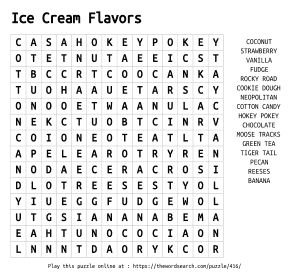
Image source: Word Search
Understanding the Cognitive Benefits of Regular Word Hunting
While many view word find puzzles as a simple pastime, research suggests they offer significant cognitive advantages. Engaging with these grids requires a high level of visual-spatial awareness and pattern recognition. According to developers at 247 Word Search , these puzzles serve as effective "brain teasers" that help maintain mental agility.
For younger players, word searches are a notable advancement in vocabulary acquisition. By searching for the specific sequence of letters that form a word, students reinforce their spelling skills and become more familiar with complex terminology. Teachers frequently use custom-generated puzzles to introduce new science or history terms, turning a rote memorization task into a game. Furthermore, the satisfaction of crossing a word off a list triggers a small dopamine release, which can help sustain focus in children who might otherwise struggle with traditional worksheets.
For seniors, the benefits are even more pronounced. Many platforms, such as AARP Games , design their puzzles specifically to support brain health. These games often include trivia or historical facts, combining word hunting with general knowledge maintenance. The act of scanning a grid for specific patterns helps exercise the "executive function" of the brain, which is responsible for focus and task switching. In an era where digital distractions are constant, the singular focus required by a word search can also act as a form of "active meditation," reducing stress and anxiety.
Top Rated Platforms to Find and Play Word Find Puzzles for Free
Not all puzzle sites are created equal. Depending on whether you want a competitive edge, an educational tool, or a relaxed experience, certain platforms stand out as top-tier options.
Daily Challenges for Competitive Players
If you enjoy tracking your progress and competing against others, major news outlets offer some of the most robust experiences. The LA Times provides a daily word search that includes a "Speed Champion" ranking. This feature allows you to see how your solve time compares to the rest of the community, often placing you in percentiles (e.g., "Top 5% of players today"). These puzzles are refreshed every 24 hours, ensuring that habitual players always have something new to tackle.
Accessible Options for Seniors and Visual Comfort
Accessibility is a critical factor for many players. AARP is widely regarded as one of the best sources for seniors because their interface prioritizes high contrast and large, legible fonts. Their "Original Daily Word Search" often features a "This Day in History" theme, where the words you find relate to a specific historical event that occurred on that calendar date. This adds a layer of intellectual engagement that goes beyond simple letter matching.
Educational Resources for Students and Teachers
For those in an academic setting, Super Teacher Worksheets is a significant resource. Unlike standard game portals, this site allows you to input your own word list. If a class is learning about the solar system, the teacher can generate a puzzle containing words like "nebula," "asteroid," and "exoplanet." This customization ensures the puzzle is directly relevant to the curriculum.
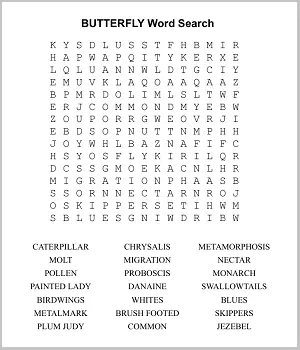
Image source: Memory Improvement Tips
How to Select the Right Platform for Your Specific Needs
With so many options available, it can be helpful to have a framework for choosing where to play. The following table compares the leading types of platforms based on user needs and technical features.
| Platform Type | Best For | Key Feature | Offline Support |
|---|---|---|---|
| News Portals (LA Times) | Competitive Players | Speed Rankings & Streaks | No |
| AARP / Razzle | Seniors & Accessibility | High Contrast & Trivia | Yes (App version) |
| Custom Generators | Teachers & Parents | User-Defined Word Lists | Yes (Printable) |
| 247 Word Search | Casual Browser Play | Themed Seasonal Grids | No |
Advanced Strategies to Solve Word Grids with Greater Speed
While most people solve word searches by scanning line by line, "pro" players use specific techniques to cut their solve times in half. If you are aiming for the top of the leaderboards on sites like the Washington Times, consider implementing these evidence-based strategies.
- The Rare Letter Scan: Instead of looking for the first letter of a word, look for the most unique letters it contains. Letters like Z, Q, X, and J are much easier for the human eye to spot in a sea of common vowels. If you are looking for the word "QUARTZ," find the 'Z' first, then look at the surrounding eight cells.
- The First-Letter Method: This is a methodical approach where you locate every instance of a word's starting letter. Once found, perform a quick 360-degree scan of the adjacent cells to see if the second letter is present. This prevents your eyes from wandering aimlessly across the grid.
- The "Extra Word" Mechanic: Some high-quality apps reward you for finding words that are hidden in the grid but are not on the official list. Scanning for these "bonus" words can actually help you find the target words faster, as it keeps your brain in a high-alert state for pattern recognition.
- The 30-Second Pre-Scan: Before you even look at the word list, spend 30 seconds scanning the grid for any long words (6+ letters) that jump out. Often, these are the "anchor" words that the algorithm placed first, and finding them early clears up large sections of the grid.
Creating Your Own Custom Word Search Puzzles for Home or School
If you cannot find a puzzle that fits your specific needs, creating one is a straightforward process. Custom generators have become notably innovative, allowing for a high degree of personalization. This is particularly useful for themed parties, wedding favors, or specific classroom lessons.
To create a puzzle, you typically follow these steps:
- Choose your word list: Gather 10 to 20 words related to your theme. Avoid using words that are too short (3 letters or less), as they can appear accidentally in the grid multiple times, causing confusion.
- Select the grid size: A 15x15 grid is standard for adults, while a 10x10 grid is a top choice for younger children.
- Set the difficulty: Most generators allow you to toggle "diagonal" and "reverse" words on or off. For beginners, stick to horizontal and vertical placements.
- Generate and Print: Once the grid is created, most sites will provide a PDF download. Always ensure you print the answer key as well!
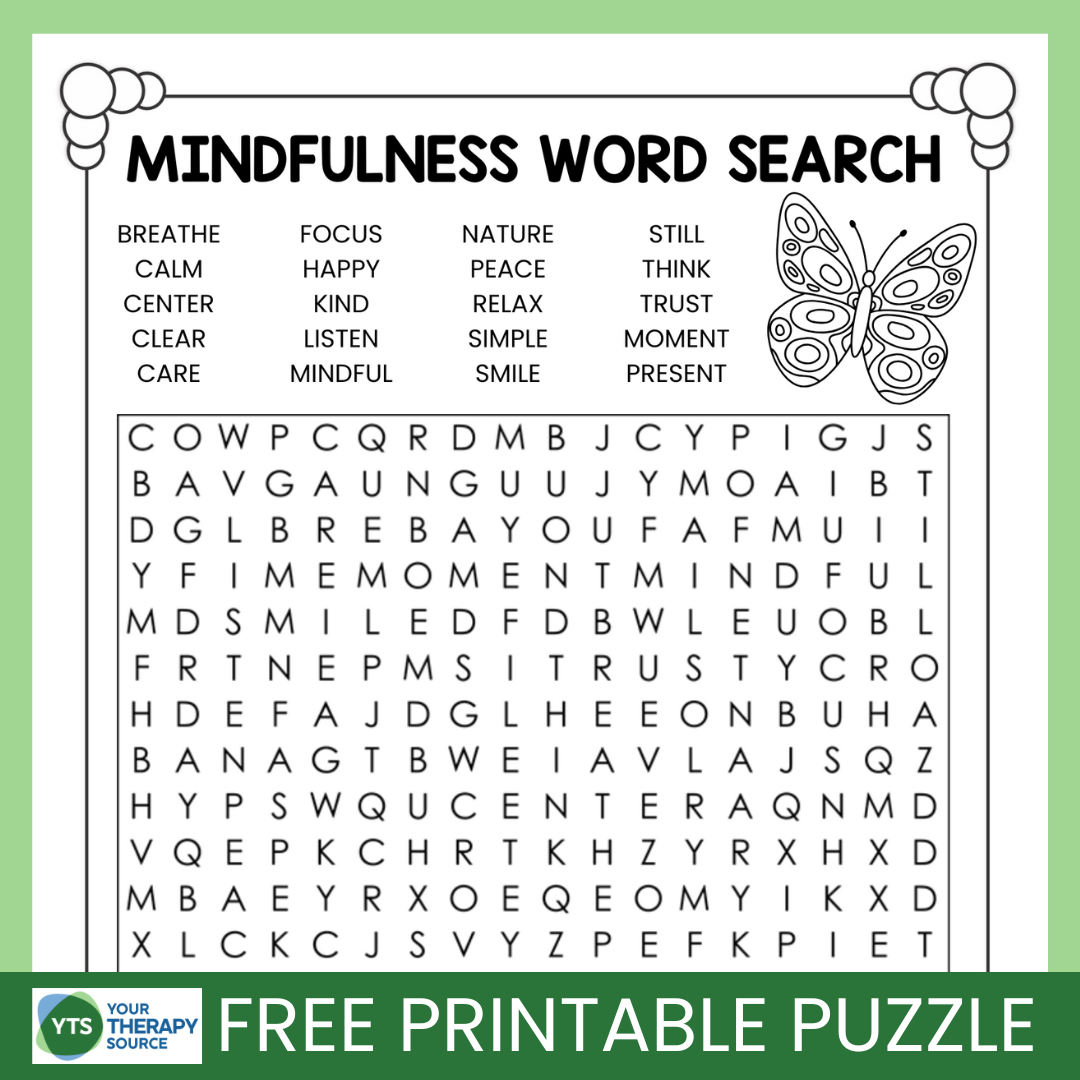
Image source: Your Therapy Source
Potential Drawbacks of Free Puzzle Apps and How to Navigate Them
While "free" is a compelling price point, it often comes with trade-offs. Being aware of these common pitfalls can help you enjoy a smoother gaming experience.
One frequent complaint among power users is pattern repetitiveness . Many free apps use basic algorithms that tend to place words in the same diagonal orientation (e.g., always from the bottom-left to the top-right). After a few games, the "Hard" mode can start to feel predictable. To avoid this, look for platforms that explicitly mention "randomized algorithms" or those from reputable publishers like the LA Times.
Another concern involves data privacy . Research into free mobile games has shown that some apps collect location data or app activity to share with third-party advertisers. If you are concerned about privacy, playing through a mobile browser (like Safari or Chrome) is often safer than installing a dedicated app, as browsers have more stringent tracking protections. Alternatively, look for apps with high ratings and transparent privacy policies on the Google Play or Apple App Store.
Finally, ad overload can ruin the relaxation of a puzzle. Some sites interrupt gameplay with video ads. A simple fix is to look for "offline" modes in apps or to use printable versions where ads are non-existent once the page is printed. Some browser-based games also offer a "Zen Mode" or "Minimalist" view that strips away distracting sidebars.
"The best word search is the one that challenges your brain without causing frustration. If an app's interface is cluttered with ads, it defeats the purpose of a relaxing mental exercise."
Frequently Asked Questions About Free Word Puzzles
Which free word search game is a top choice for seniors?
The AARP Daily Word Search is widely considered a top choice for seniors. It features high-contrast letters, a large grid, and themes that incorporate historical trivia. These design choices help reduce eye strain and provide a more engaging cognitive experience than generic puzzle apps.
How can I print word search puzzles for free at home?
You can print puzzles by visiting sites like The Word Search or Super Teacher Worksheets. These platforms offer "Print" buttons that format the grid and word list perfectly for a standard 8.5x11 sheet of paper. Many also allow you to save the puzzle as a PDF first so you can print it later.
Are there free word search apps that work without an internet connection?
Yes, many apps like Razzle Puzzles offer an offline mode. Once the app is downloaded to your device, the puzzles are generated locally, meaning you can play on airplanes or in remote areas without needing Wi-Fi or cellular data.
Can word search puzzles actually help with brain health?
While they are not a "cure" for cognitive decline, word searches are excellent for maintaining visual-spatial awareness and pattern recognition. They exercise the brain's ability to filter out "noise" (random letters) to find specific data points (words), which is a key executive function.
How do I make a word search harder for an expert player?
To increase the difficulty, look for "Expert" modes that hide the word list entirely. This forces the player to find words without knowing what they are looking for. Additionally, puzzles with many overlapping words or those that use "snaking" patterns (where words bend) offer a much higher challenge.
Key Takeaways for Finding and Enjoying Word Search Puzzles
- Choose the right platform based on your needs: use news portals for competition and AARP for accessibility.
- Utilize custom generators to create educational tools or personalized gifts for friends and family.
- Apply pro techniques like the "Rare Letter Scan" to significantly improve your solving speed.
- Prioritize privacy by playing in mobile browsers or checking app permissions before downloading.
- Enjoy the cognitive benefits of improved focus and vocabulary by making word searches a daily habit.
- Opt for printables when you want to reduce screen time or provide a physical activity for children.
Start your next challenge by visiting a daily puzzle portal and see if you can beat the average solve time today.