Home
How to Play Co-op Stardew Valley on PC Console and Mobile Devices
To play Stardew Valley co-op, the host must select Co-op from the main menu and choose Host . You must have a cabin for every player joining (built at Robin's or selected during farm creation). Friends can join via Steam/GOG friend lists, an Invite Code found in the options menu, or local split-screen by connecting a second controller and selecting "Start Local Co-op" in the game settings.
Stardew Valley has evolved from a solitary farming experience into one of the most engaging cooperative multiplayer titles available. Whether you are looking to manage a massive industrial farm with seven friends on PC or share a quiet split-screen session on your couch, the game offers a variety of ways to connect. However, the setup process varies significantly depending on your hardware and whether you are starting a fresh save or converting an existing one.
In this guide, we will walk through every technical requirement, from the hidden mobile multiplayer unlock to the specific port forwarding needed for manual connections. We will also address common bugs that can stall your progress, ensuring your transition to a shared farm is as smooth as possible.
Image source: YouTube
Can You Play Stardew Valley With Friends Across Different Platforms?
One of the most frequent questions regarding Stardew Valley is whether a player on a PC can join a friend on a Nintendo Switch or PlayStation. As of late 2026, cross-platform play remains limited. While the game has seen massive updates, the underlying architecture for different consoles prevents a unified ecosystem.
According to the Stardew Valley Wiki , PC players (Windows, macOS, and Linux) can play together regardless of whether they purchased the game on Steam or GOG. However, console players are generally restricted to their own hardware family. The following matrix clarifies current compatibility:
| Platform A | Platform B | Compatibility |
|---|---|---|
| PC (Steam) | PC (GOG) | Yes |
| PC | Console (Switch/PS/Xbox) | No |
| Switch | PlayStation / Xbox | No |
| Mobile | PC | Yes (Manual IP, Same Version Only) |
It is vital to ensure all players are on the same game version. If the host has updated to version 1.6 but the farmhand is still on 1.5, the connection will fail. On PC, updates are usually automatic, but console players should manually check for updates before attempting to host a session.
How to Start a New Multiplayer Farm From Scratch
Starting a fresh farm is the most straightforward way to experience co-op. The host acts as the primary owner of the save file. This means the farm only exists when the host is online; farmhands cannot access the world if the host is not actively running the game.
Choosing the Right Map
While any map works for multiplayer, the Four Corners map is widely considered a top choice for groups. It divides the land into four distinct areas, each with its own small perk (like a mini-quarry or a small pond), allowing players to have their own "territory" while still sharing resources. This layout ranks among the top options for players who want a balance of independence and collaboration.
Starting Cabin Options
In the character creation screen, the host must select the number of starting cabins. You can choose up to 7 additional cabins on PC (for an 8-player total) or 3 on most consoles. You can also choose the layout:
- Close: Cabins are clustered near the main farmhouse.
- Separate: Cabins are spread out across the map, giving players more personal space.
Adjusting Profit Margins
Because multiple players can produce significantly more goods than a solo player, the game allows you to reduce profit margins (100%, 75%, 50%, or 25%). If you are playing with four experienced farmers, setting the profit to 50% provides a more balanced challenge, preventing you from becoming millionaires by the end of the first Summer.
How to Turn Your Solo Save Into a Multiplayer Farm
You do not need to start over to play with friends. If you have a solo save you've worked on for years, you can convert it into a multiplayer farm by visiting Robin at the Carpenter's Shop. The only requirement for a friend to join is an available cabin on the property.
Once the cabin is built, save the game, return to the main menu, and then launch the save through the Co-op menu instead of the standard Load menu. This enables the multiplayer networking features required for others to see your farm.
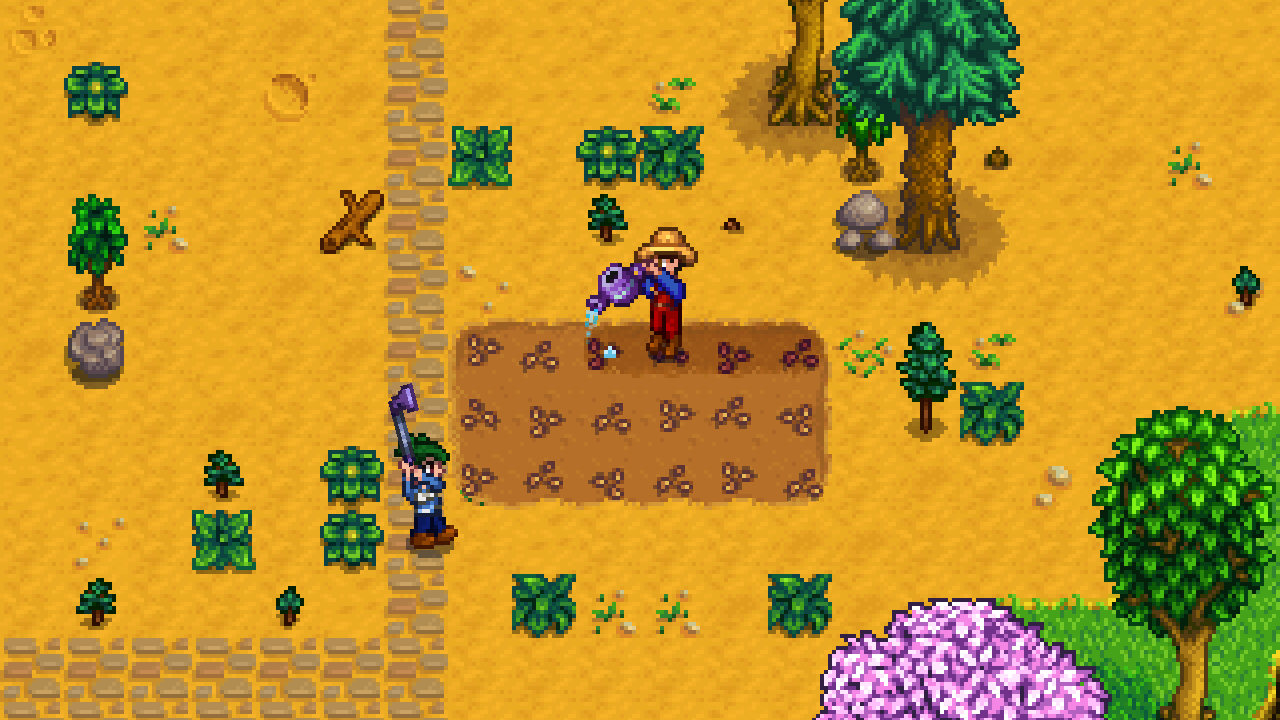
Image source: IGN
How to Invite Friends to Your Farm on PC
PC players have the most flexible invitation options. Once you have hosted your farm via the Co-op menu, you have three primary ways to bring in your farmhands:
- Steam/GOG Friend List: If your friends are online, you can Shift+Tab (on Steam) and right-click their name to send an invite. This is the most seamless method.
- Invite Codes: If you are playing with someone not on your friend list, go to the in-game Options menu (the controller icon). Scroll down to the Multiplayer section and click "Show Invite Code." Share this alphanumeric string with your friend, who can then enter it in their own Co-op > Join menu.
- LAN/Direct IP: For players on the same local network, you can join via the host's internal IP address. This is a highly reliable method if Steam's servers are experiencing downtime.
If the "Show Invite Code" button is missing, it usually indicates that you launched the game through the "Load" menu rather than the "Co-op" menu. Simply exit to the title screen and restart the session correctly to fix this.
How to Set Up Local Split-Screen Co-op
Split-screen is an excellent choice for families or roommates. Unlike online play, split-screen does not require multiple copies of the game or multiple consoles. However, there are specific hardware requirements to keep in mind.
On the Nintendo Switch, each player must use a full controller setup (either a Pro Controller or a pair of Joy-Cons). The game does not support playing with a single horizontal Joy-Con due to the number of buttons required for gameplay. On PC, you can mix and match inputs, such as one player on keyboard/mouse and another on a controller.
Starting the Split-Screen Session
- Load your farm (either solo or co-op).
- Ensure a cabin is available for the second player.
- Open the in-game menu and navigate to the Options tab.
- Scroll down to the "Start Local Co-op" button and select it.
- The second player must then press "Start" or "A" on their controller to join.
PC users with multiple monitors can sometimes stretch the game window across both screens to give each player their own dedicated display, though this requires specific GPU settings or third-party software like Borderless Gaming.
How to Play Stardew Valley Multiplayer on Nintendo Switch
The Nintendo Switch version offers two distinct ways to play: Online Play and Local Wireless . Online Play requires a Nintendo Switch Online subscription for all participants. Local Wireless, however, allows two or more Switch consoles to connect directly to each other without an internet connection or a subscription, provided the consoles are within approximately 30 feet of each other.
Switch 2 and Player Limits
While the original Nintendo Switch hardware is limited to 4 players, the newer Switch 2 (released in 2025) supports up to 8 players online, matching the PC version's capacity. This makes the Switch 2 a significant advancement for large groups who prefer handheld gaming.
The Switch Fishing Bug
A known issue on the Switch version involves erratic fishing behavior for the second player in split-screen or local wireless. The bobber may behave unpredictably or fail to hook fish. According to community reports on the Steam Community forums , the most effective fix is for the host to restart the day, which usually recalibrates the sync between the two consoles.
How to Unlock the Secret Mobile Multiplayer Mode
For years, mobile players were excluded from the co-op experience. However, an experimental multiplayer mode exists in the modern mobile version, though it is hidden behind a specific sequence of actions often referred to as the "Konami Code" method.
.stardewsave
files before joining, as incoming phone calls or app switches can cause immediate disconnections and potential data loss.
The Unlock Sequence
To reveal the hidden Co-op button on mobile, follow these steps on the title screen:
- Tap the leaves on the Stardew Valley logo in this specific order: ↑ ↑ ↓ ↓ ← → ← → (Top, Top, Bottom, Bottom, Left, Right, Left, Right).
- Tap the "?" button in the bottom right corner.
- Exit the credits/help screen, and the Co-op button should now appear.
Mobile co-op does not feature a "Farm Discovery" list. You must connect via a manual IP address. If you are hosting on a PC and a mobile friend is joining, you may need to open UDP port 24642 on your router to allow the connection through your firewall. This technical hurdle is why the feature remains experimental and is not available on the Apple Arcade version of the game.
How to Manage Resources and Experience in a Shared Farm
Playing with others changes the fundamental economy of the game. While you have more hands to water crops, you also have more mouths to feed and more tools to upgrade. Coordinating your strategy is essential for a successful multi-year farm.
The Experience Split Problem
In Stardew Valley, experience points (XP) are generally awarded to the player who performs the action. If one player does all the mining while another does all the farming, the miner will quickly reach level 10 while the farmer lags behind. This can be problematic because high-level crafting recipes (like the Iridium Band or Crystalarium) are locked behind specific skill levels. It is often better to rotate tasks or ensure everyone participates in high-XP activities like harvesting large crop yields.
Profession Synergies
A major advantage of co-op is the ability to stack different professions. For example:
- Player A takes the Agriculturalist profession (crops grow 10% faster).
- Player B takes the Artisan profession (artisan goods sell for 40% more).
Resource Bottlenecks
Hardwood and Metal Ores become significant bottlenecks in multiplayer. A solo player needs 100 Hardwood for a stable; a 4-player team needs 400 if everyone wants a horse. You should prioritize the Stables and Tool Upgrades for the host first, as they are most likely to be online consistently to manage the farm's core functions.
How to Fix Common Stardew Valley Connection Errors
Even with a perfect setup, technical glitches can occur. Here are the most common fixes for multiplayer issues:
- "Character Belongs to Another Player"
-
This occurs when the game thinks a joining player's ID doesn't match the ID assigned to the cabin. The host can fix this by deleting the cabin at Robin's and rebuilding it, or by manually editing the XML save file to clear the
<userID>tag associated with that cabin. - "Connection Failed" Loops
- This is usually a firewall or antivirus issue. Ensure that Stardew Valley is whitelisted in your Windows Defender or third-party security software. If playing on a university or corporate network, the required ports may be blocked, necessitating a VPN or a mobile hotspot.
- Missing Invite Code Button
- As mentioned earlier, this is almost always caused by loading the farm through the "Load" menu. Always use the "Co-op" menu to host, even if you are continuing a save you've played a hundred times before.
Frequently Asked Questions
Does every player need to own their own copy of the game?
For online play and local wireless, yes, every player must own the game on their respective platform. The only exception is local split-screen, where multiple players can play on a single copy of the game using one console or PC.
Can I marry another player in Stardew Valley co-op?
Yes! To marry another player, you must purchase the Wedding Ring recipe from the Traveling Cart for 500 Gold. You will then need to craft the ring using one Prismatic Shard and five Iridium Bars. Once crafted, give it to the other player; if they accept, the wedding ceremony will take place in three days.
What happens to my items when I log off?
Your items stay in your specific character's inventory. If the host continues to play while you are offline, your character simply sleeps in their cabin. If the host deletes your cabin while you are away, your items are placed in a chest that appears in the host's farmhouse.
Does time stop when someone is in a menu?
No. In multiplayer, time continues to run even if a player is talking to an NPC or looking at their inventory. Time only pauses if
all
players are in a menu simultaneously, or if the host uses the
/pause
command in the chat box.
Can I play with 8 players on PlayStation or Xbox?
Currently, the 8-player limit is exclusive to the PC version and the Switch 2. PlayStation 4/5 and Xbox One/Series X|S are currently limited to 4 players per farm, though future updates may expand this capacity.
Key Takeaways for Stardew Valley Multiplayer Success
Setting up a cooperative farm is a rewarding way to experience the game's depth. By following these steps, you can ensure a stable and productive session with your friends.
- Build cabins first to allow friends to join an existing solo save.
- Use the Co-op menu to host, rather than the standard Load menu.
- Coordinate professions like Artisan and Agriculturalist to maximize farm profits.
- Check version parity to ensure all players are running the same game update.
- Use Invite Codes as a reliable alternative to Steam or GOG friend lists.
- Backup mobile saves before attempting the experimental hidden multiplayer mode.
- Open UDP port 24642 if you encounter persistent connection issues on manual IP joins.
Start by building a single cabin today and invite one friend to see how much faster you can clear your land and reach the bottom of the mines together.